
Compatibility
Minecraft: Java Edition
Platforms
Supported environments


Tags
Creators
Details

Chest searching, precise inventory management, and more!




-05A358?style=for-the-badge&logo=serverfault)


Features include:
- An easy-to-use search bar for your inventory and chests
- Precise Inventory Management, building upon other inventory management mods
- Container Filtering and Sorting
- Locked Slots
- Item Counter and Armor Status
- Remove fog
- And more!



Main Features

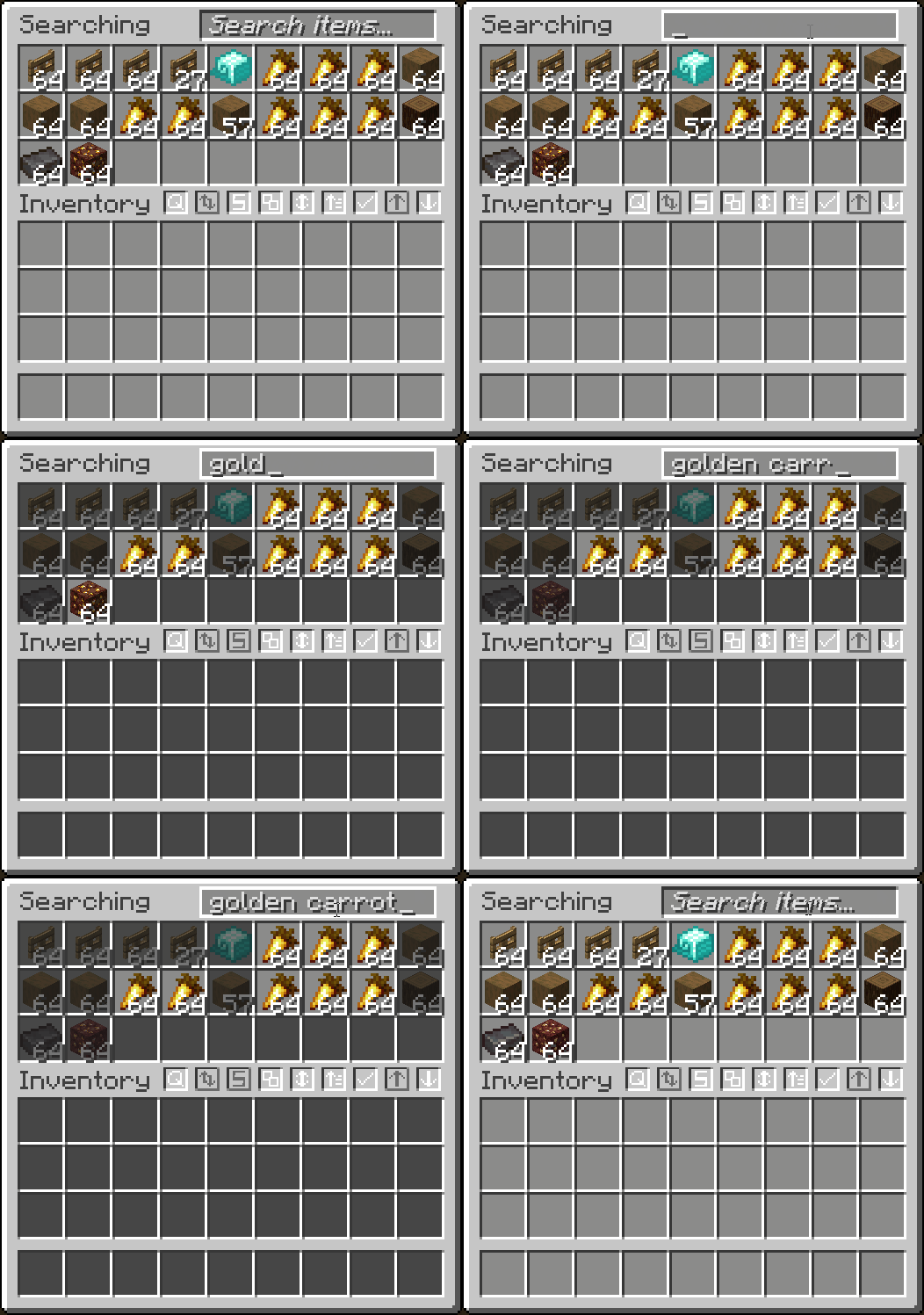
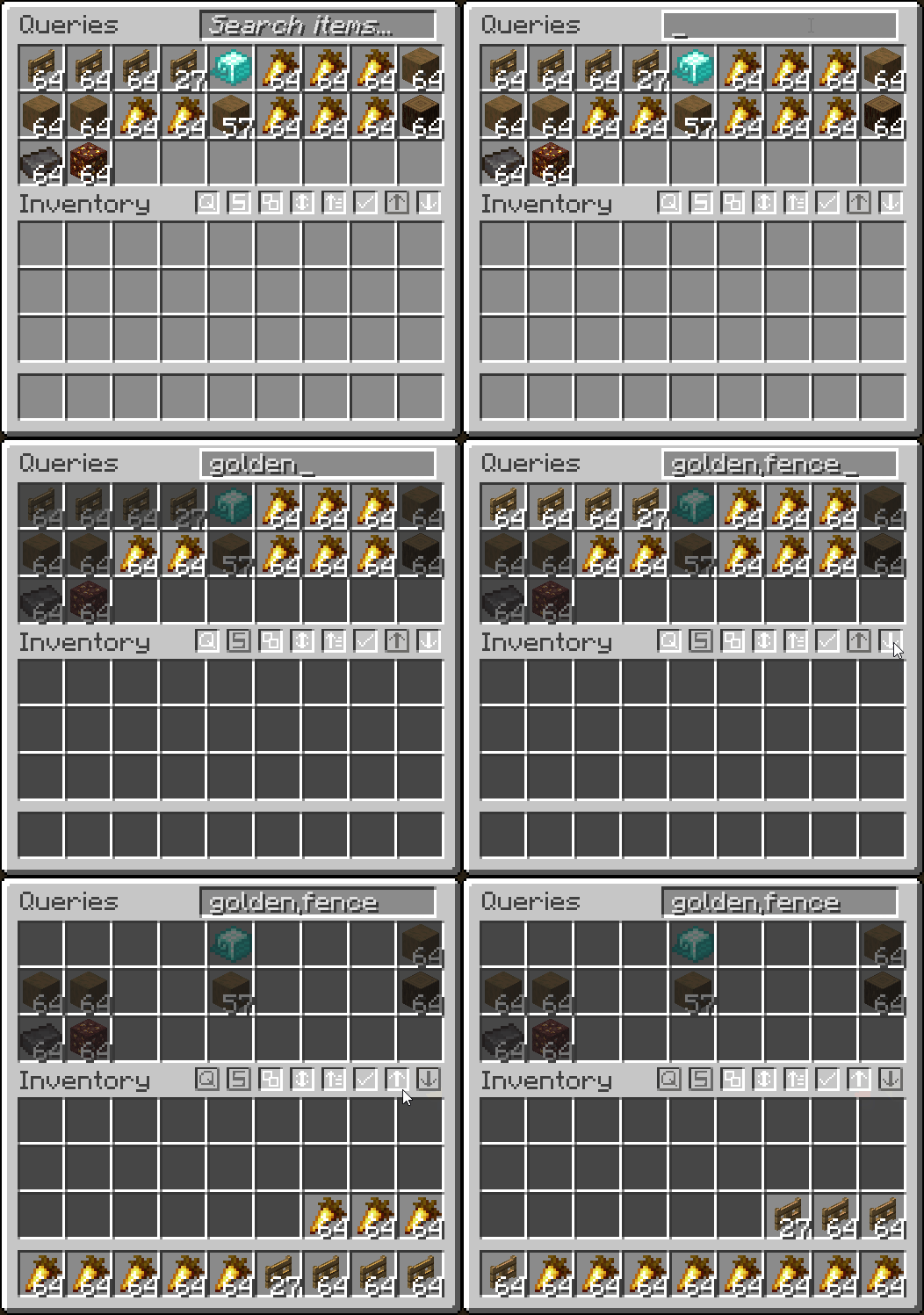
- Search for items in a container or your inventory
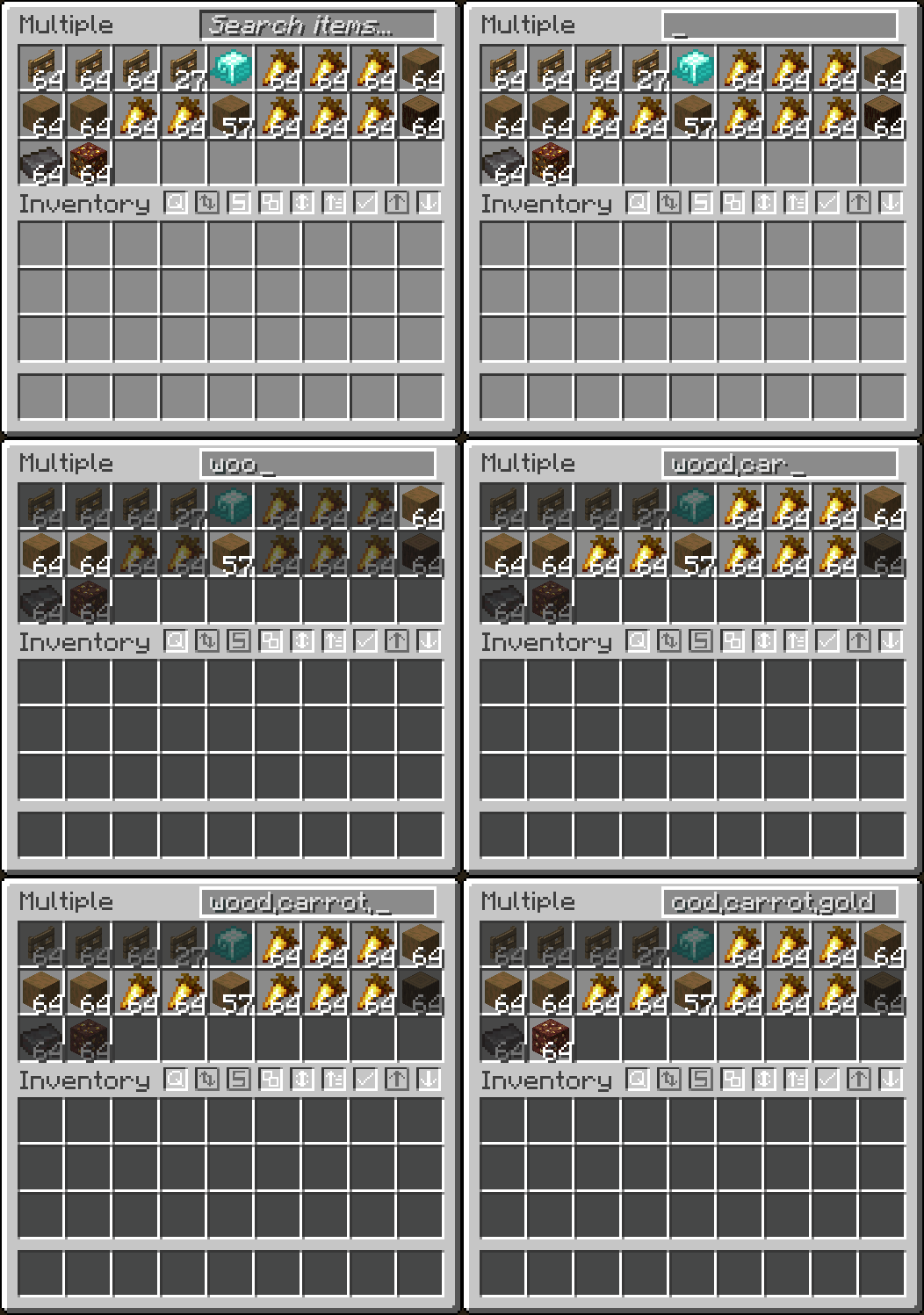
- Search multiple items at once by separating each query with a ,
- Search items by tag by starting query with #
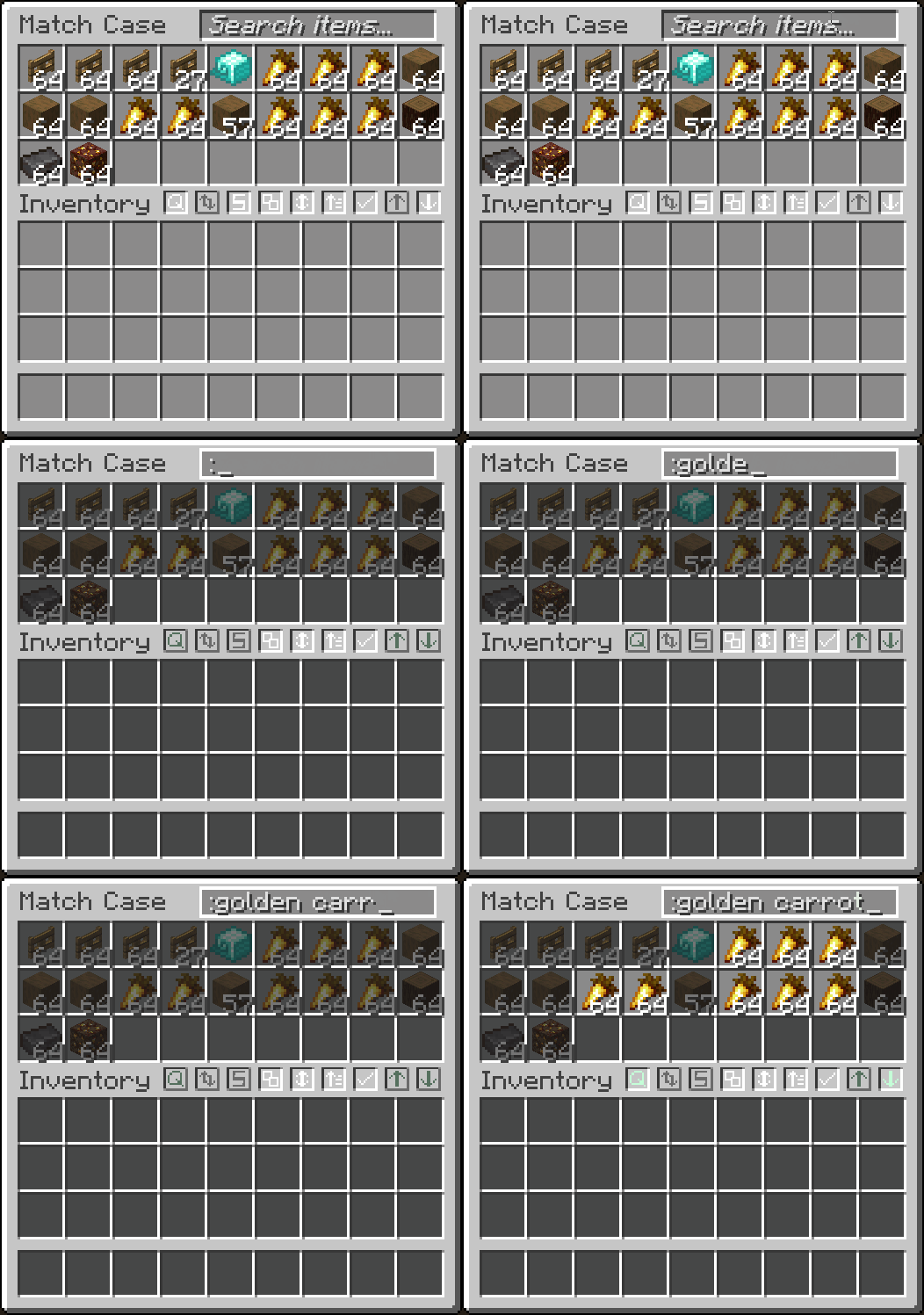
- Match case by starting query with :
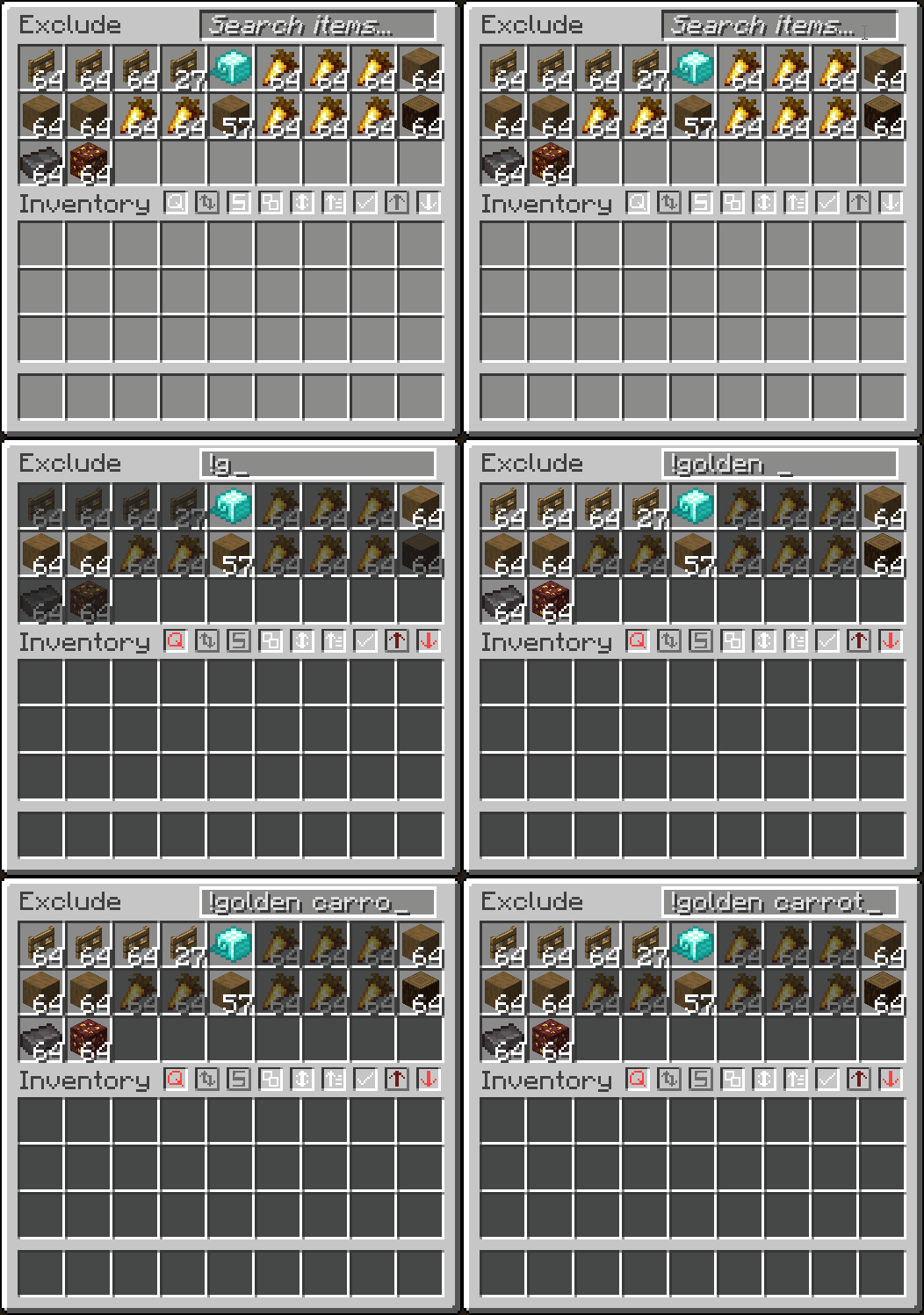
- Exclude items from searching with a !
- Search by mod name with @
- Searches inside transportable containers
- Right-click to clear the search bar
- Fully configurable with different modes and appearances in the mod's
Searchingtab
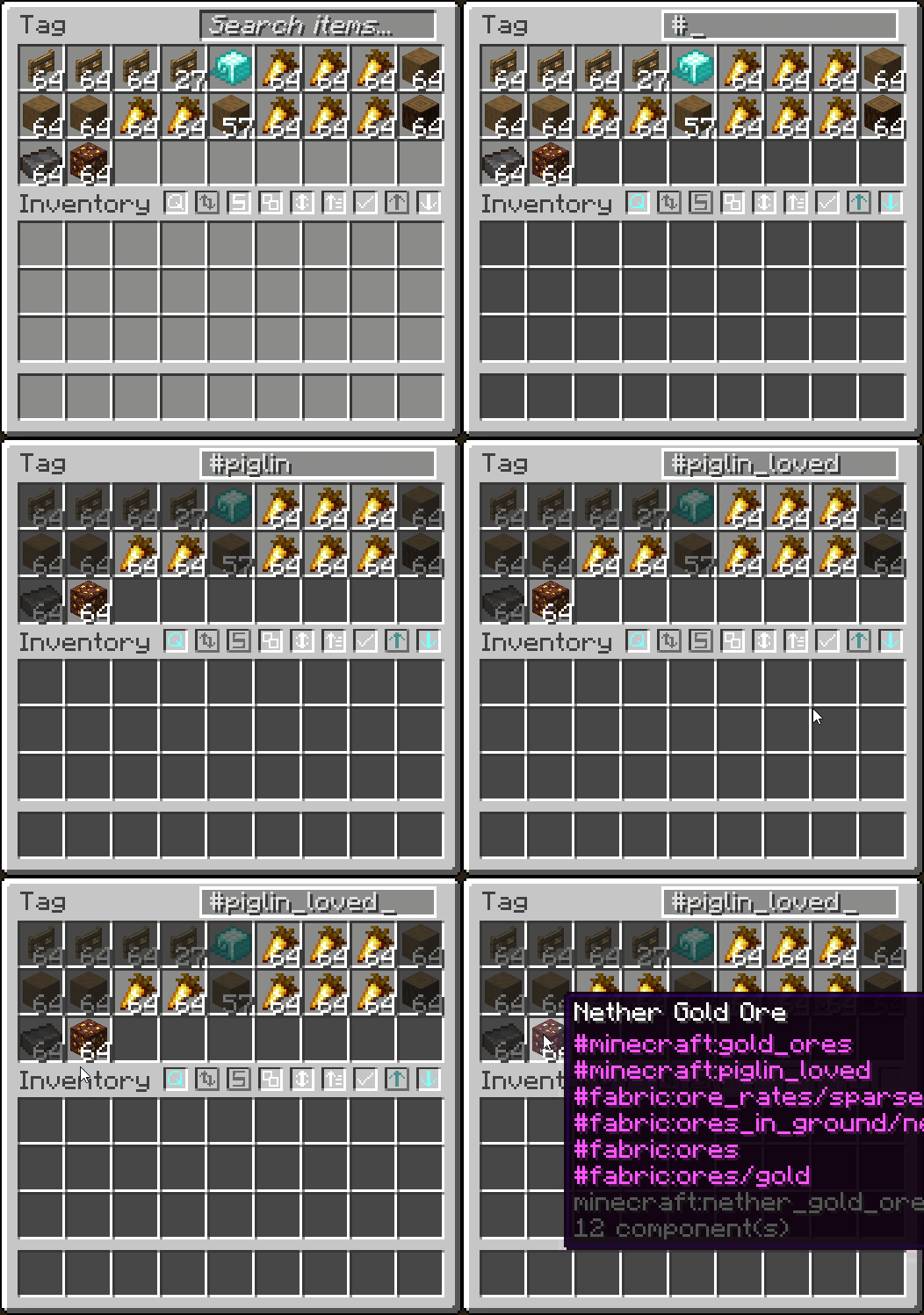
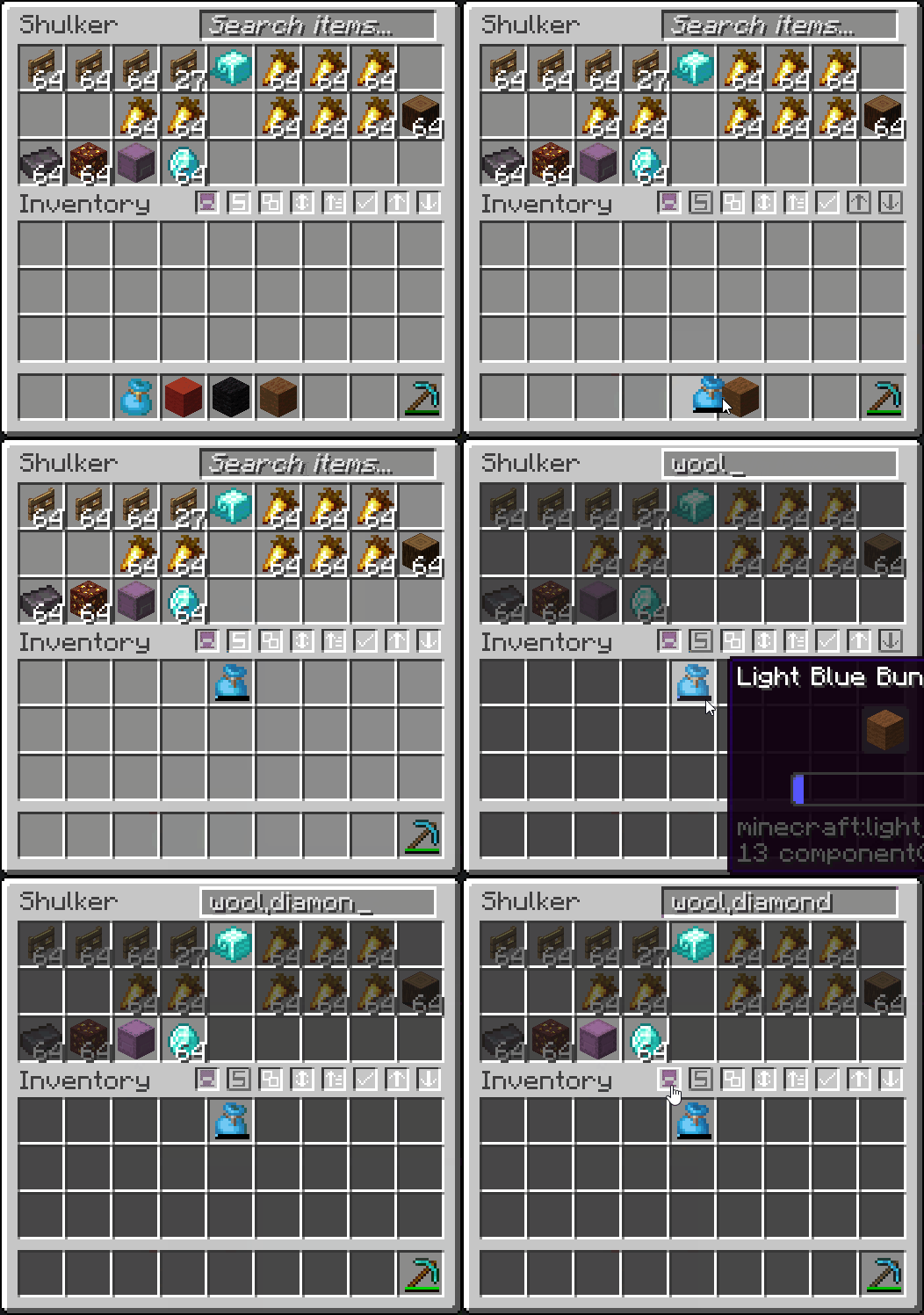
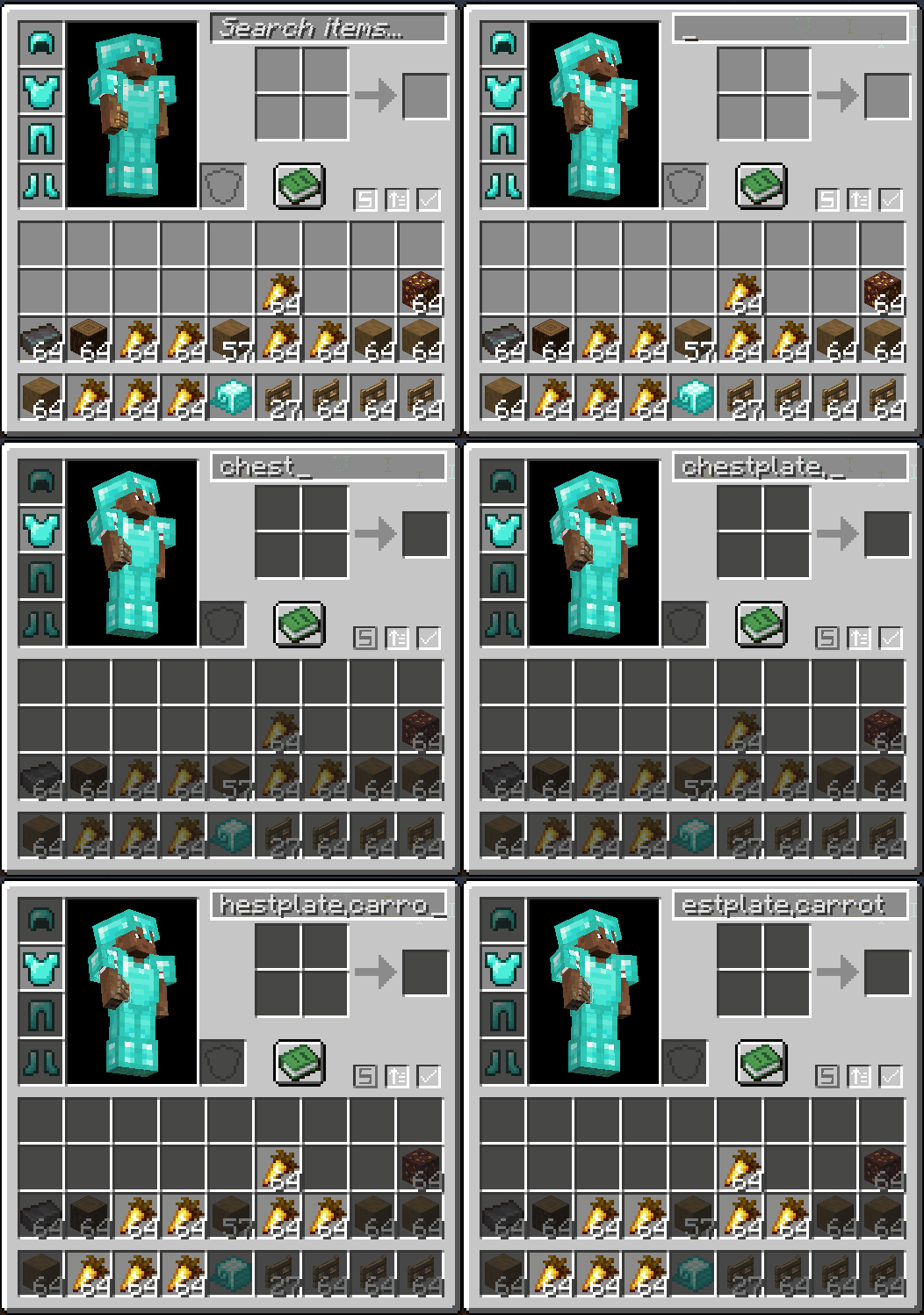
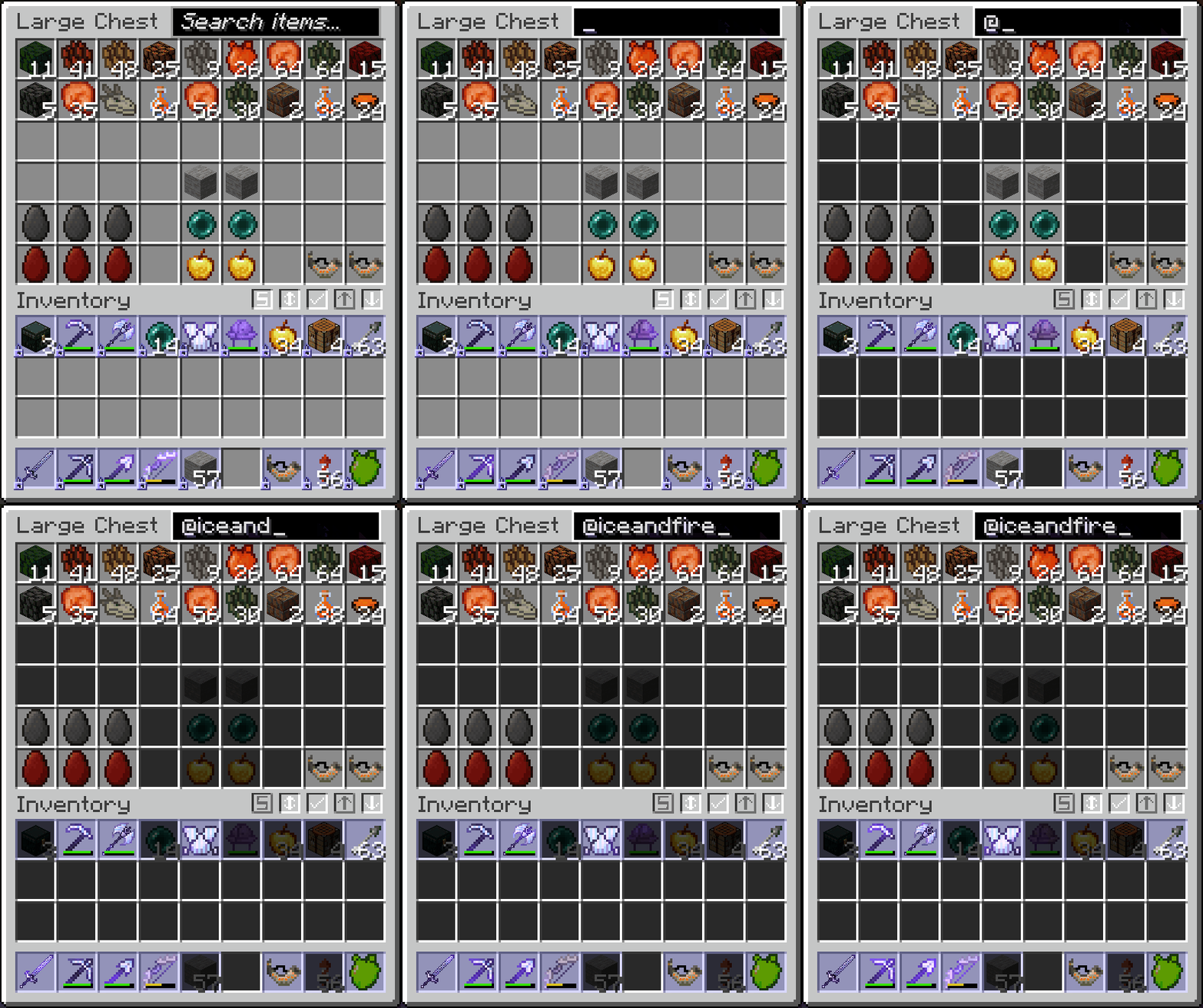

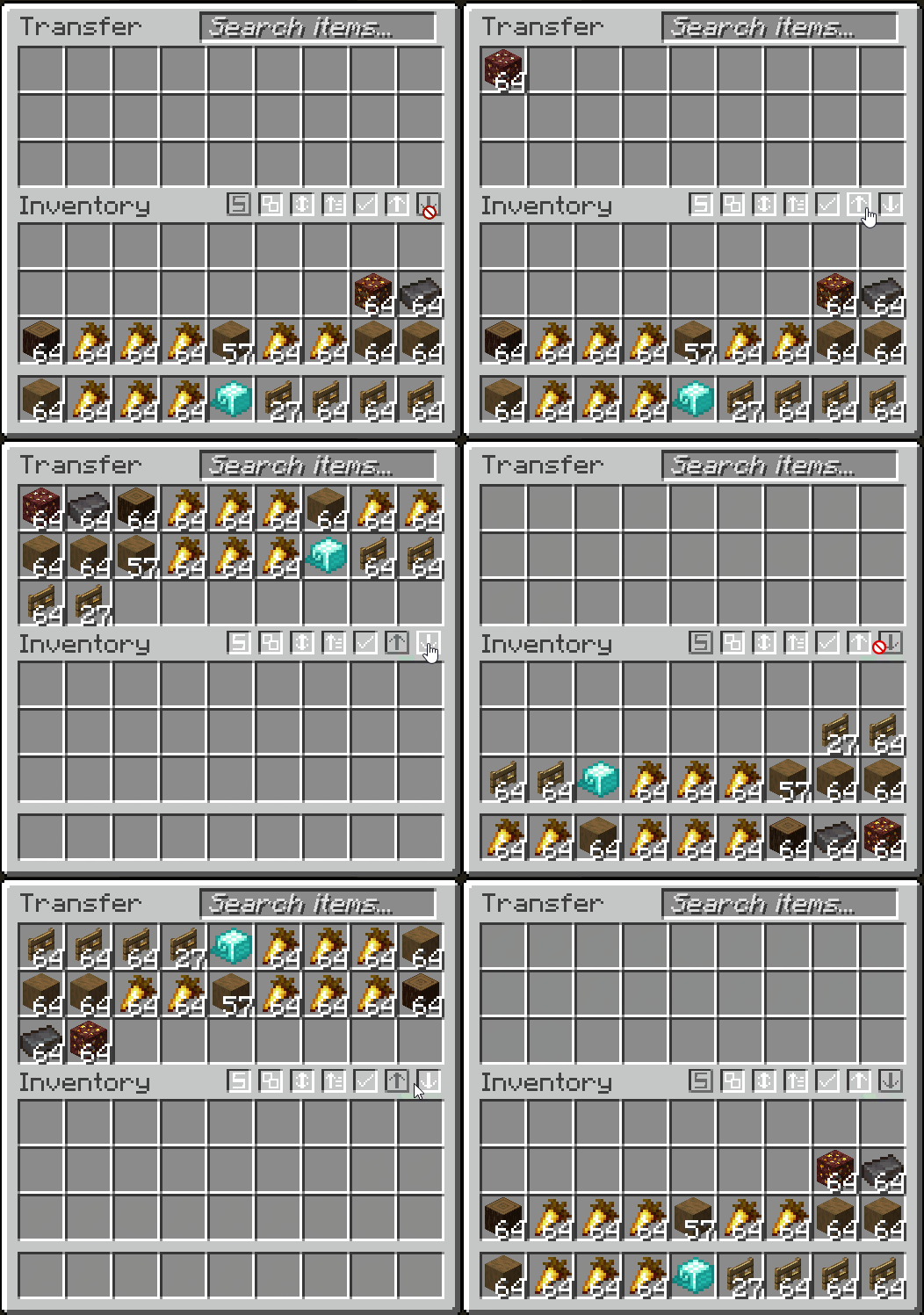
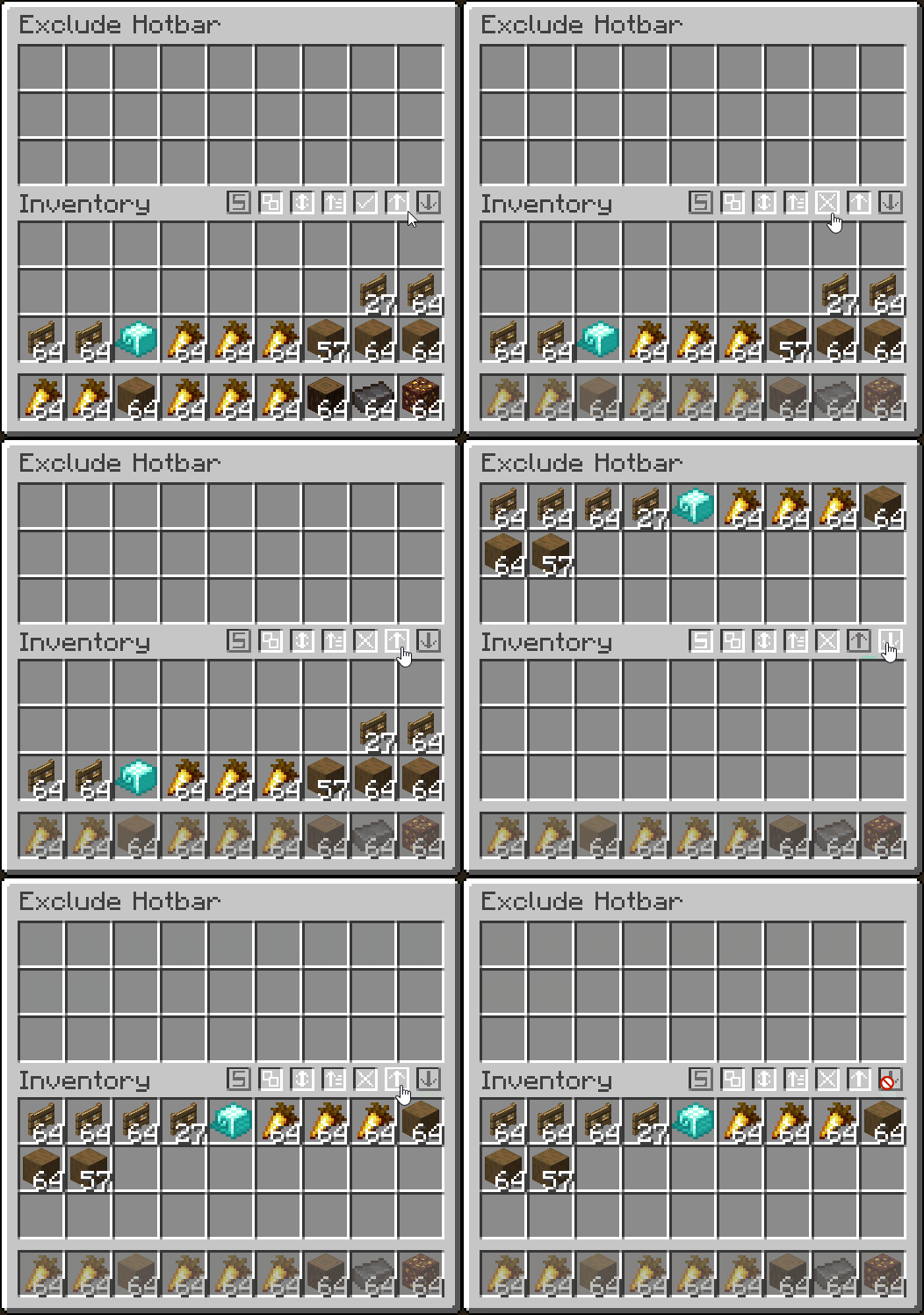
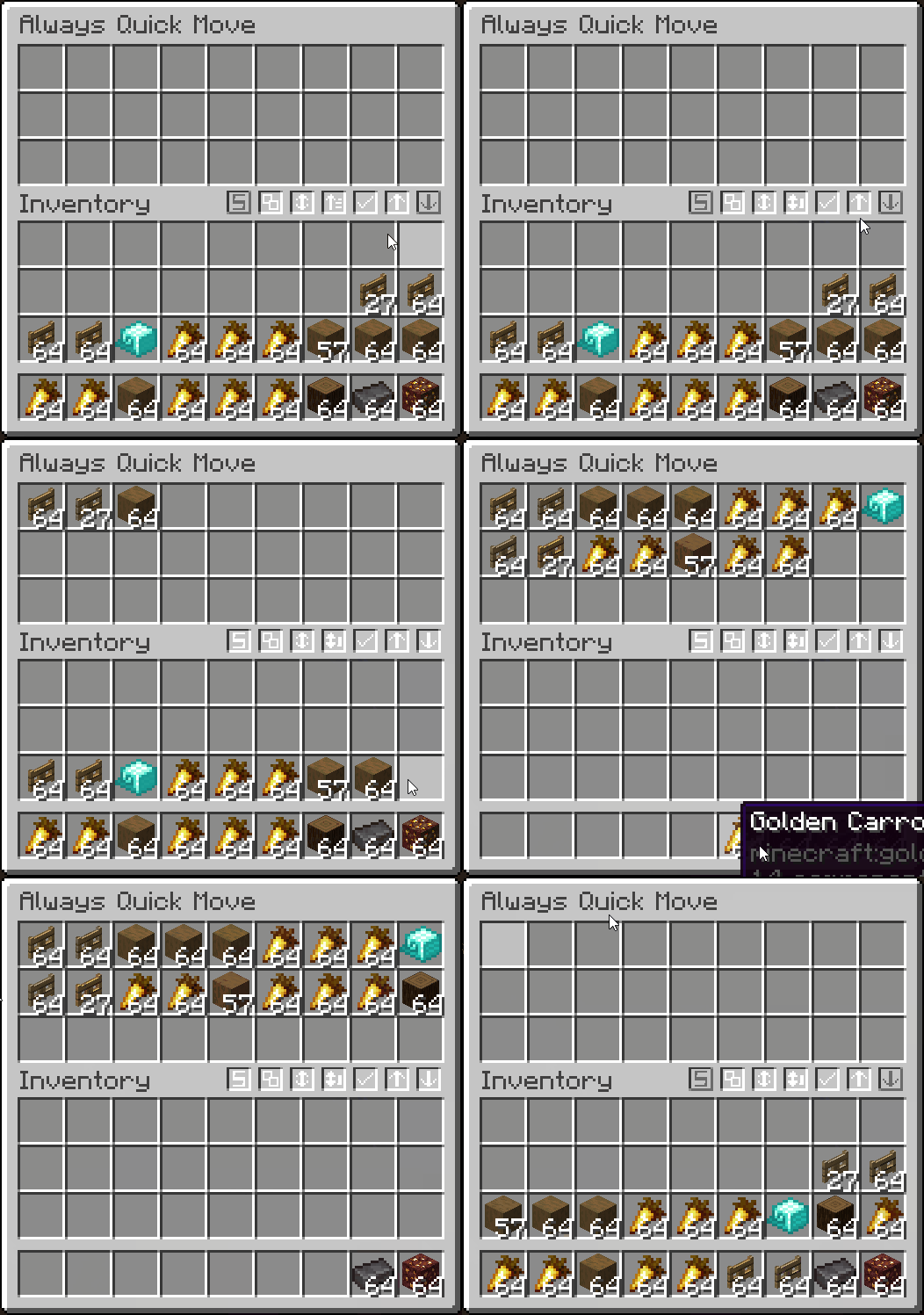
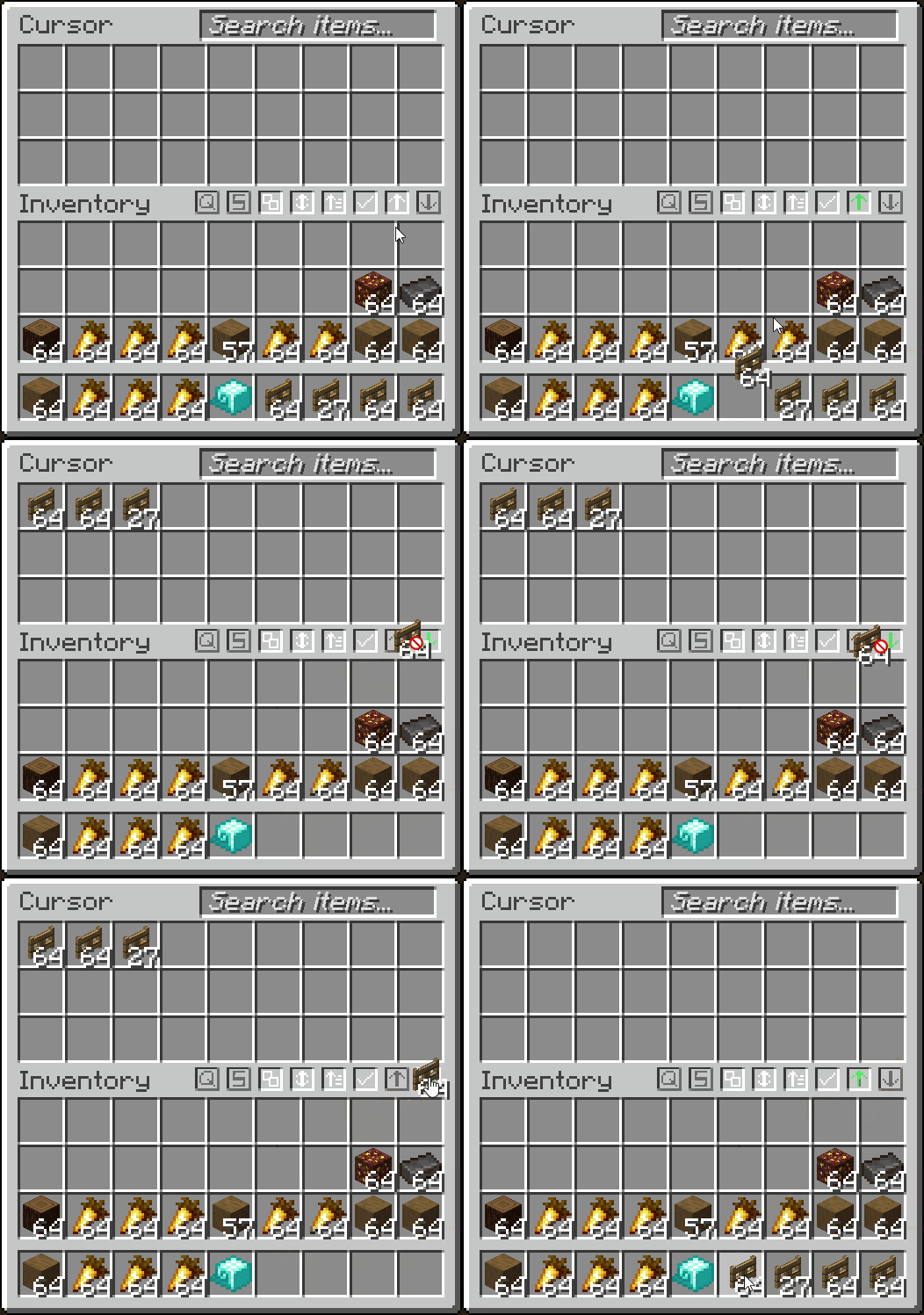
- Quickly transfer items from inventory → container, and vise-versa
- Fully client-side container filtering by adding your filtered items into a container GUI
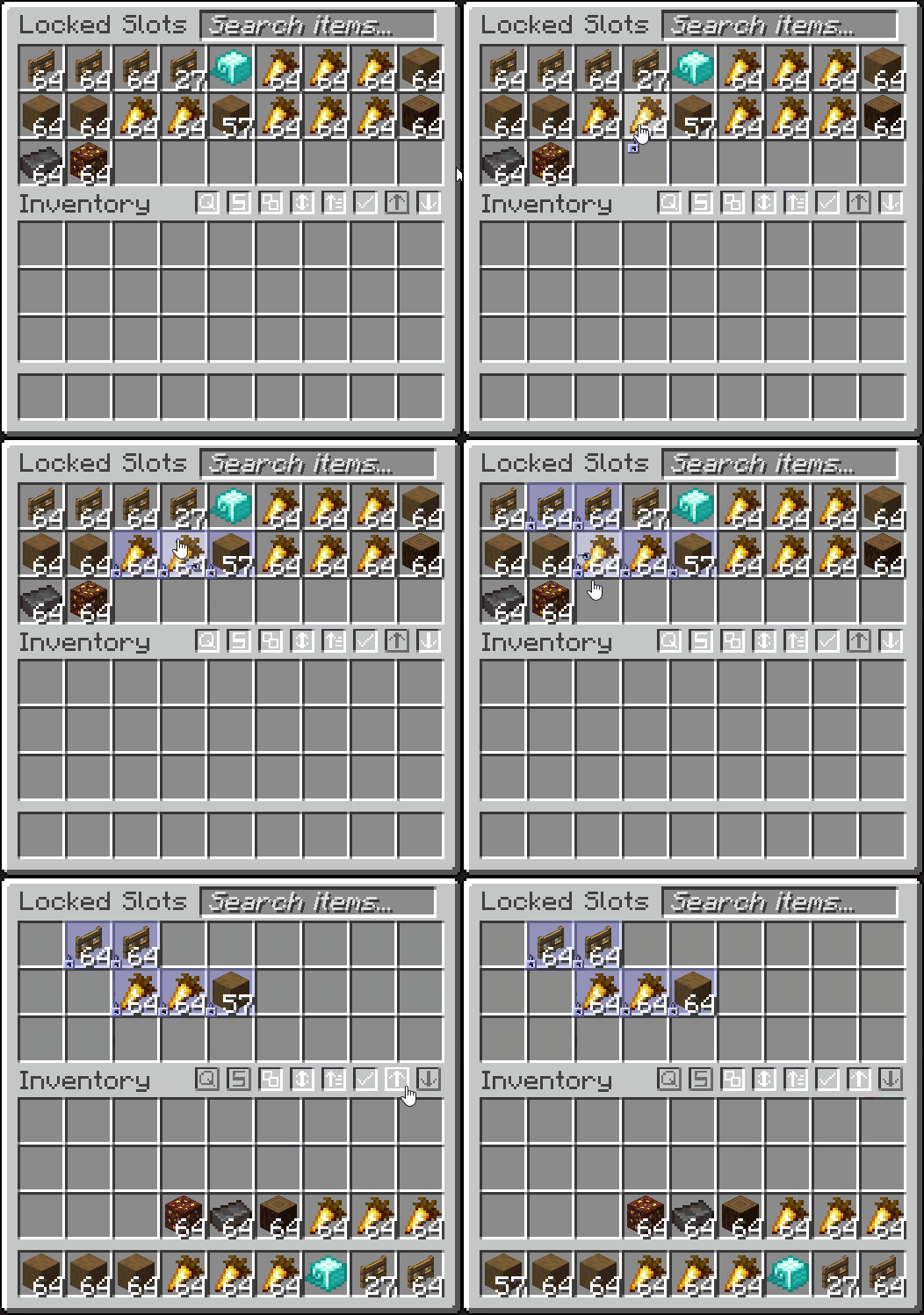
- Lock slots, to prevent them from being affected by transferring, dropping or sorting (ALT + MIDDLE CLICK)
- Lock your inventory to prevent items from being picked up
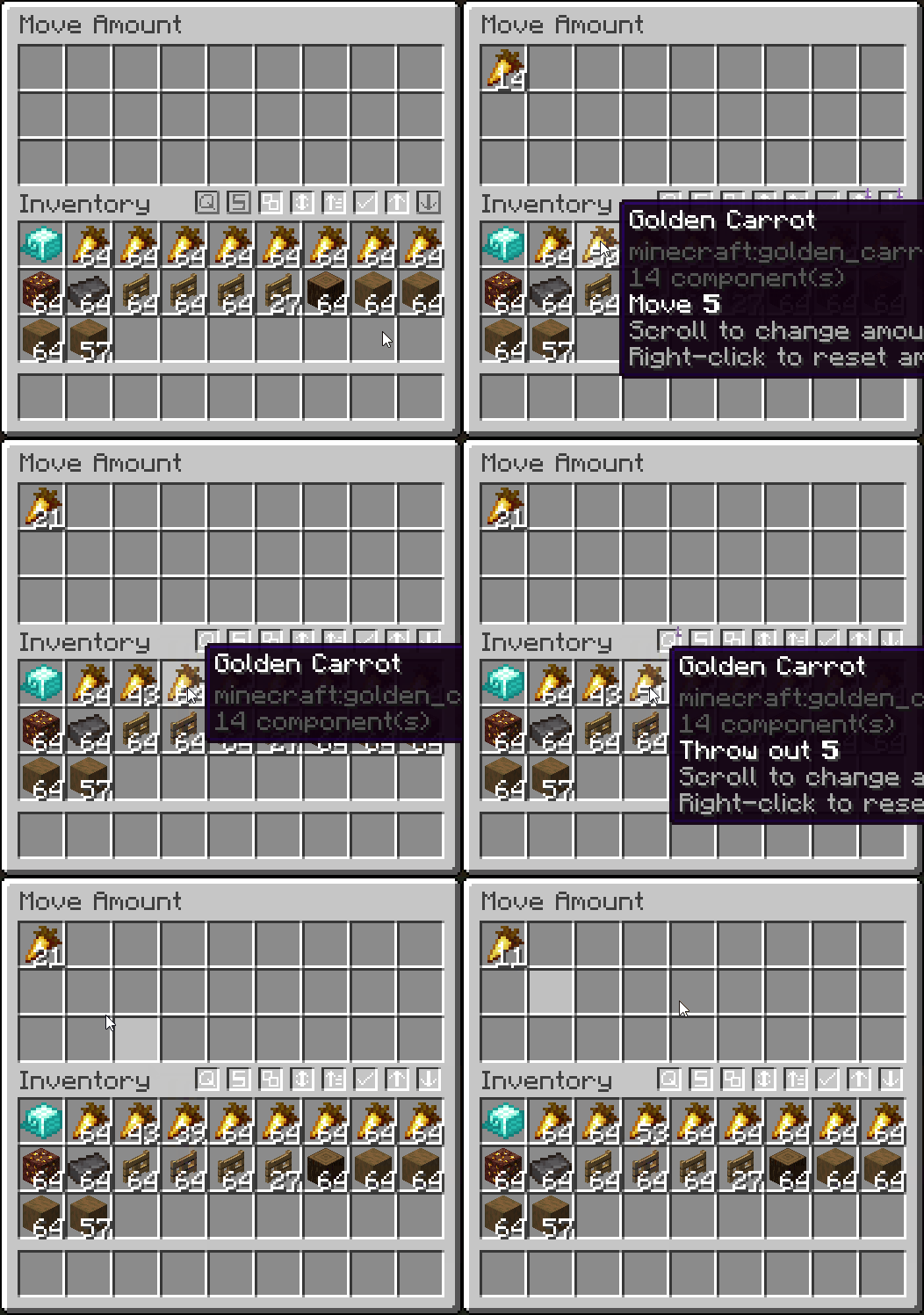
- Quick move one item out of a stack by scrolling (hold SHIFT to drop, and scroll to increase/decrease amount)
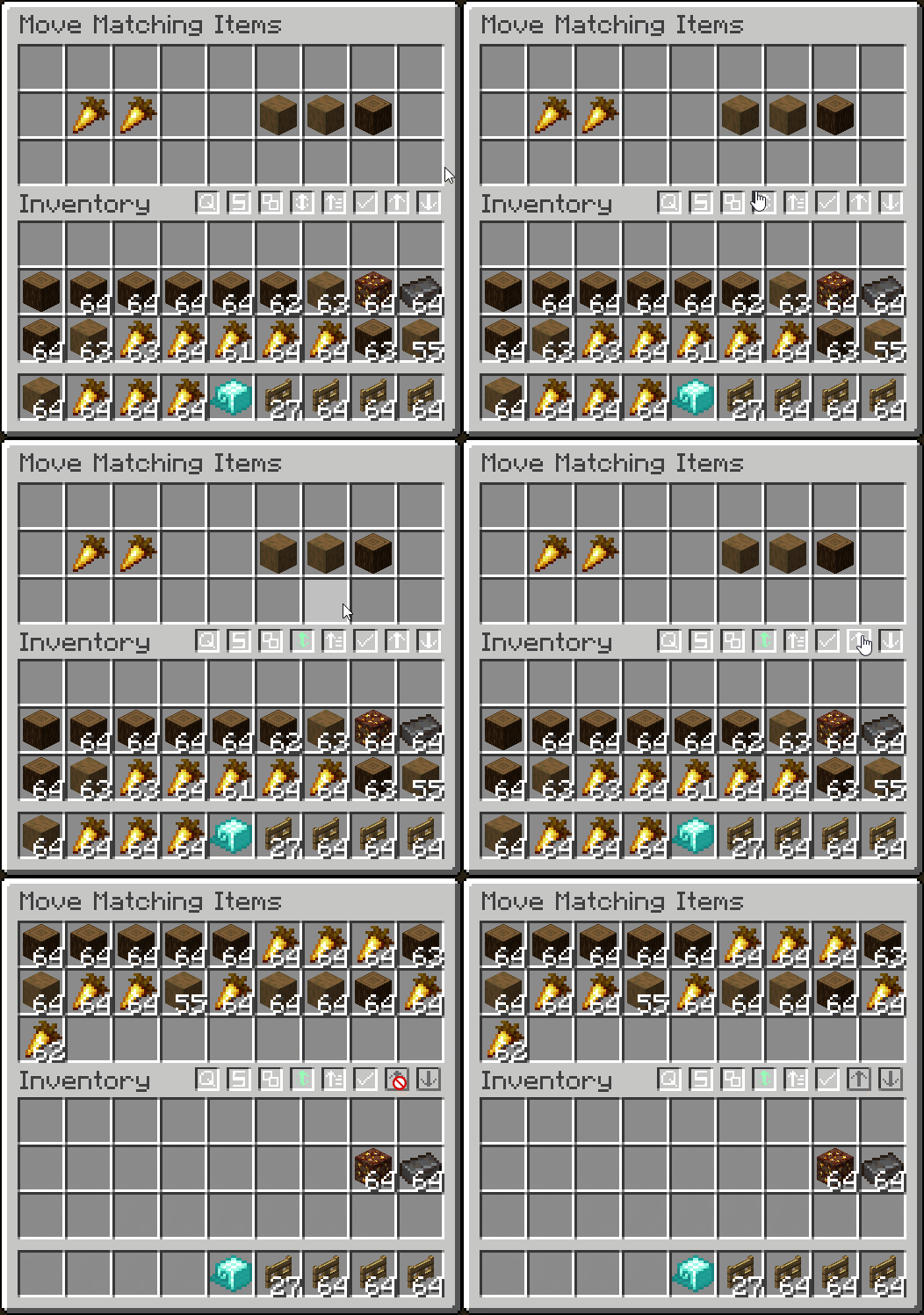
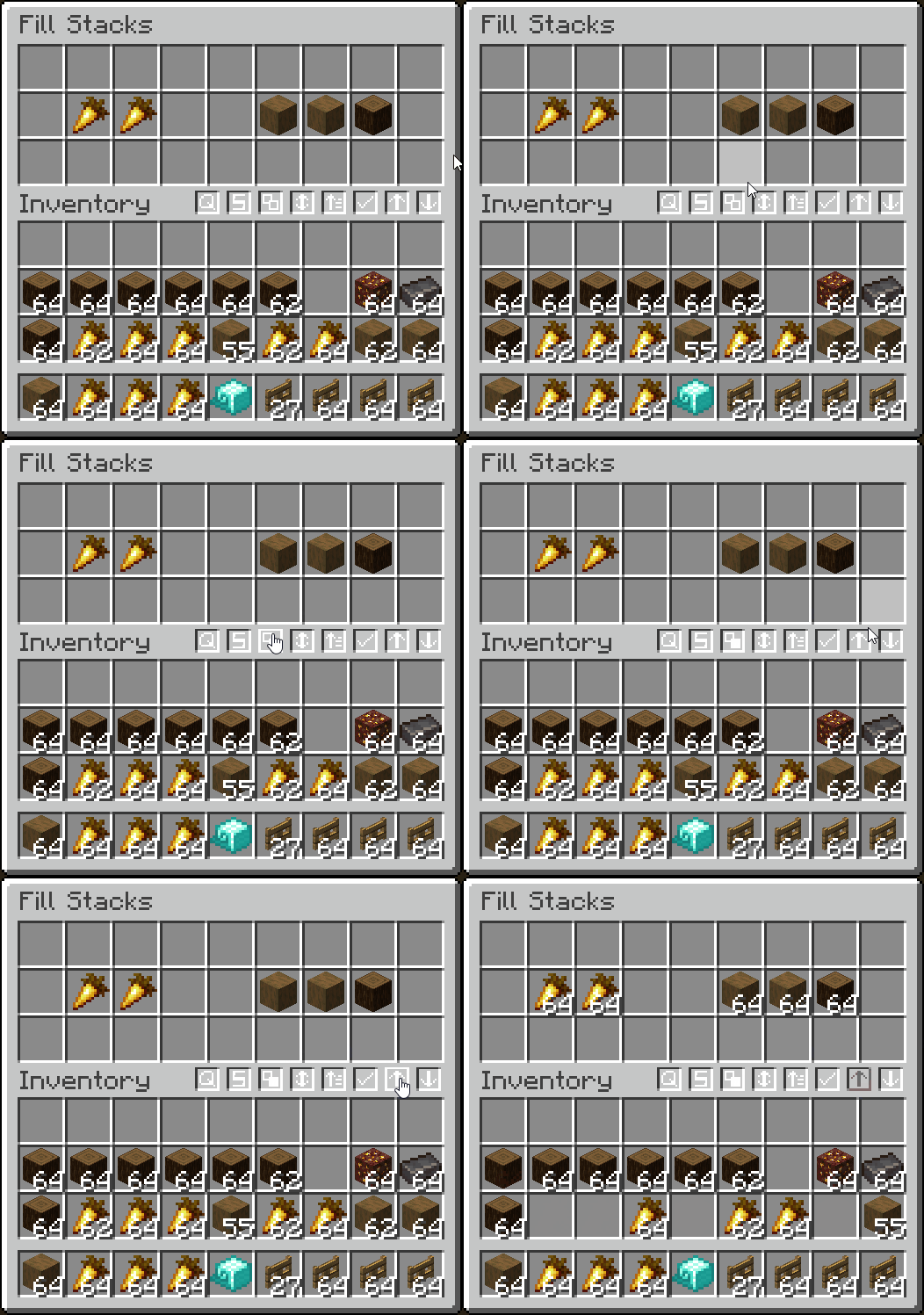
- Move only matching items and fill stacks
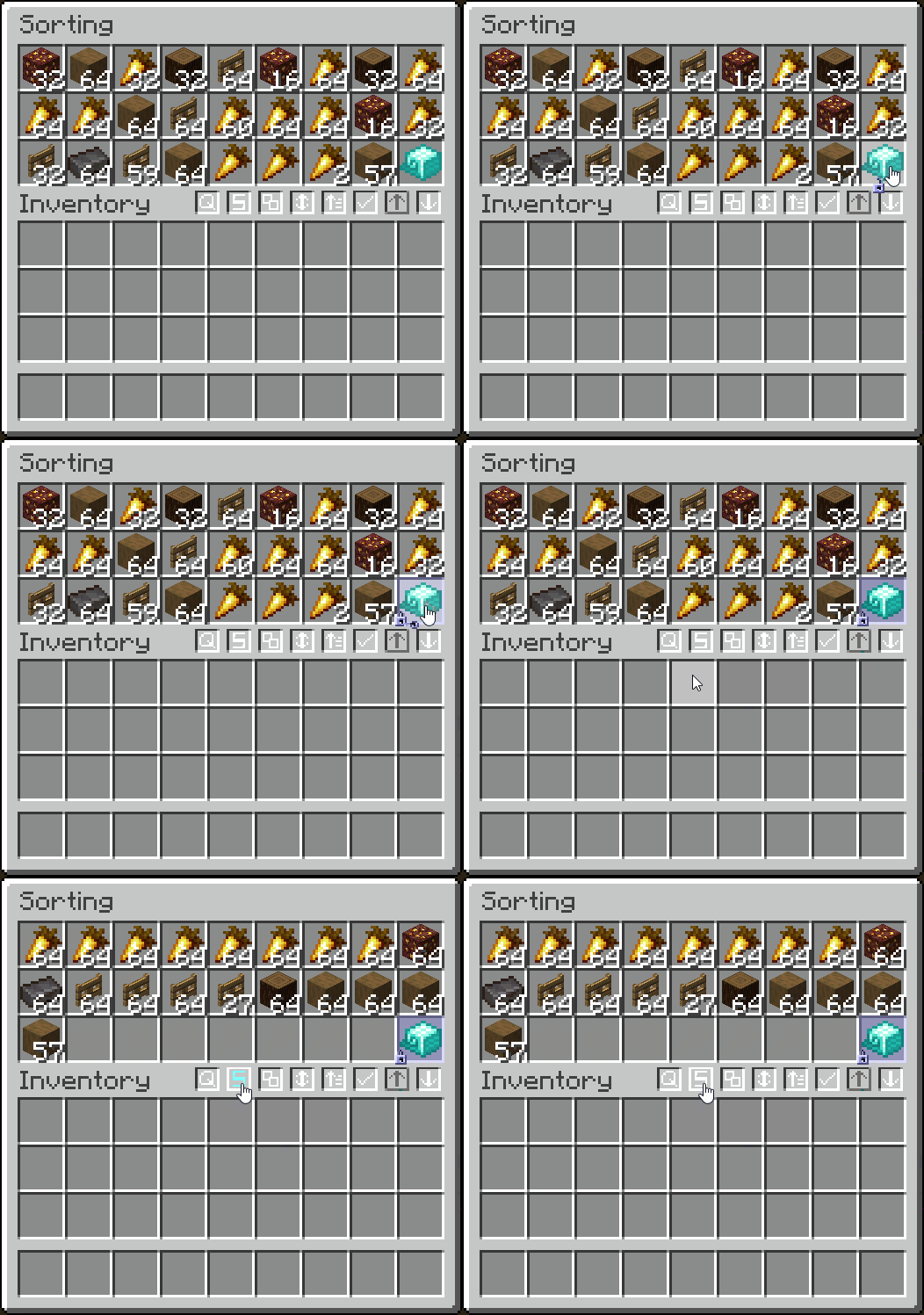
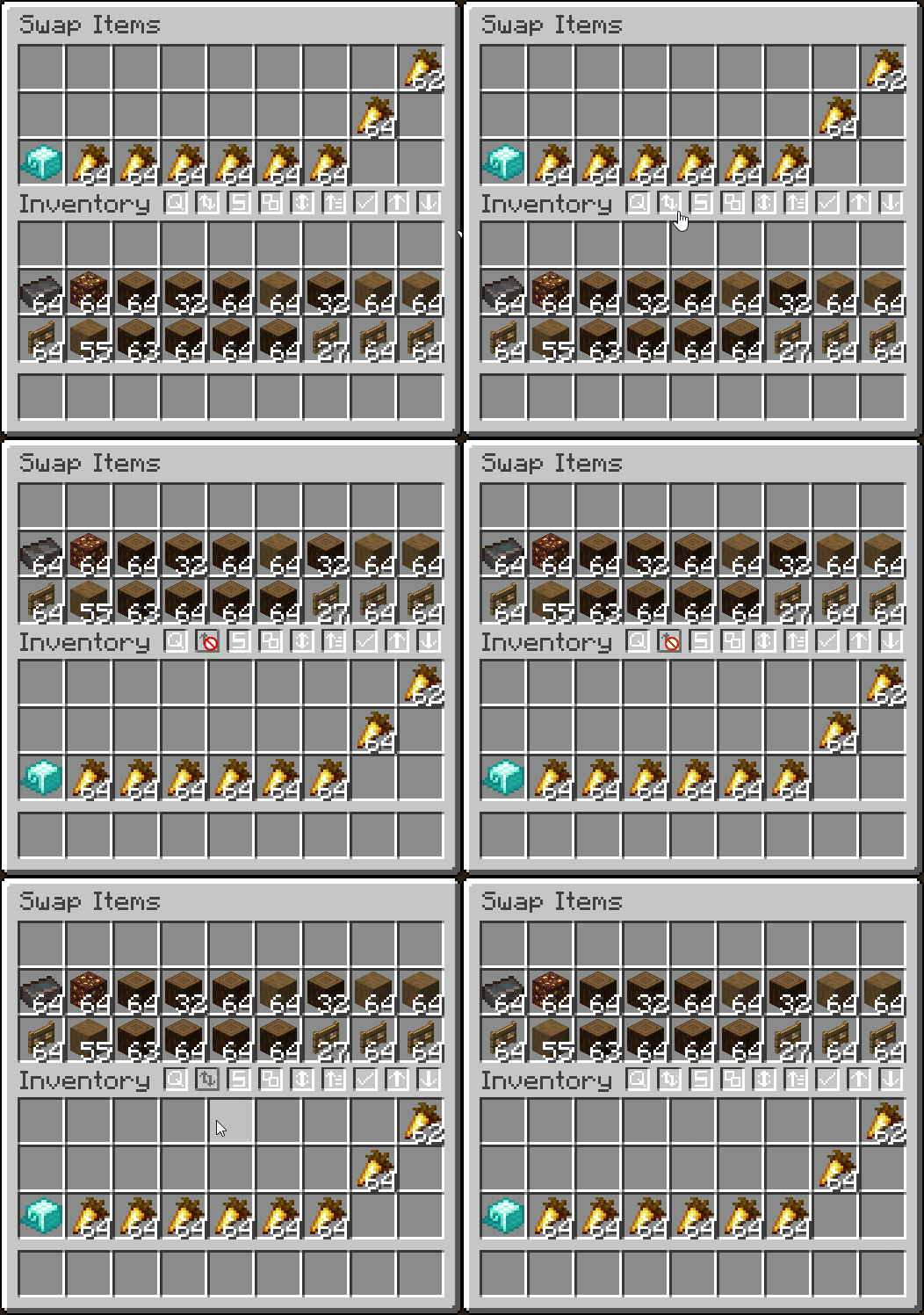
- Sort alphabetically, by item tag, ascending/descending, or by the creative menu order
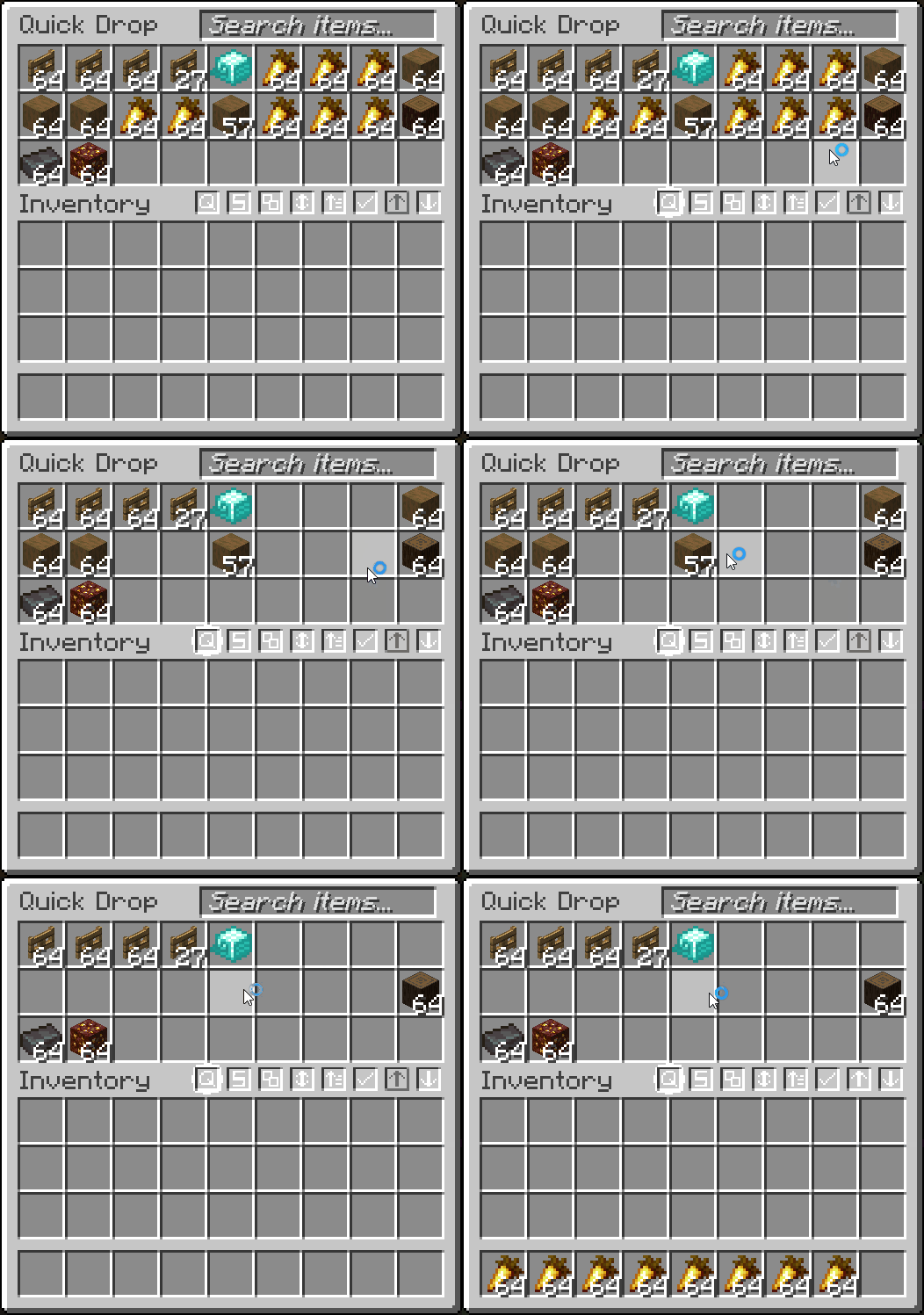
- Quickly drop items (CTRL + ALT + Q)
- And more!
- Fully configurable in the mod's
Managementtab

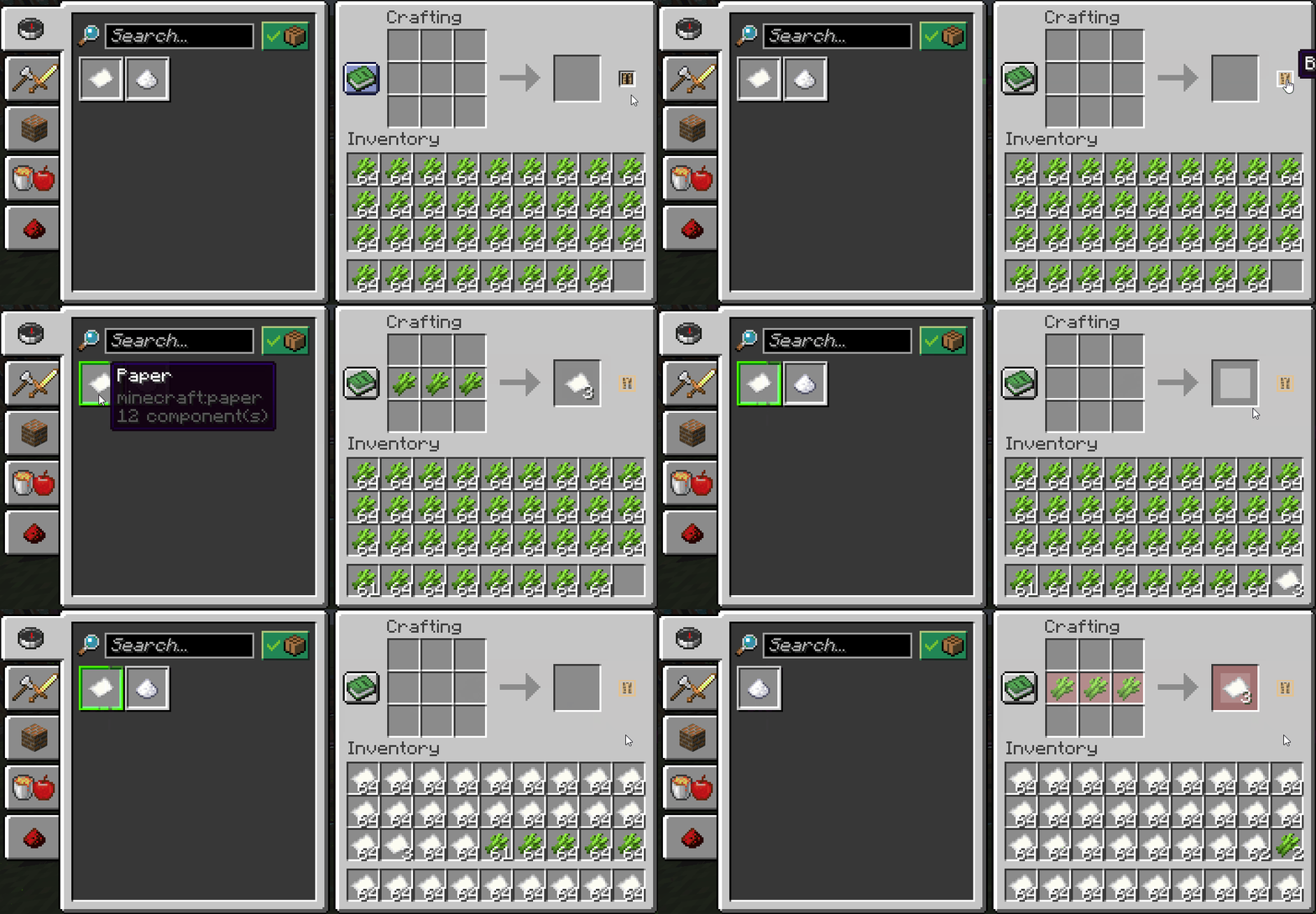

- Display the total count of an item you are holding (in stacks or just exact amount, configurable)
- Counts contents inside transportable containers
- Shows arrow count when using a bow
- Shows when throwing/picking up an item
- Configurable in the mod's
Item Countertab



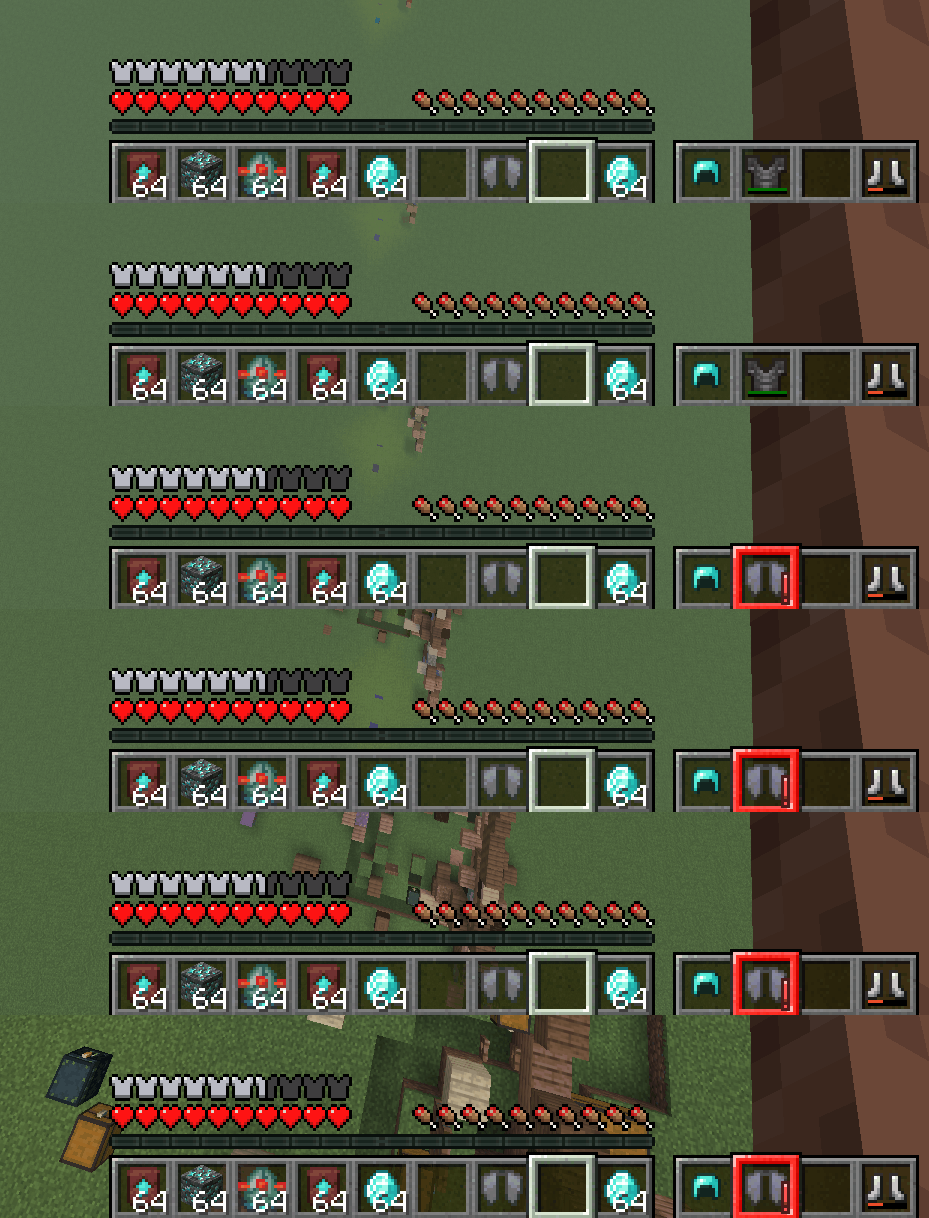
- Display your armor's status in-game
- Option to always display or only when updated
- Highlights with a color, depending on armor durability (configurable)
- Configurable in the mod's
HUDtab


- Search for an item in all nearby item frames
- Search different radiuses, with timers to remove glow
- Configurable in the mod's
Item Frame Searchingtab


- Set what can change your FOV
- Toggle sprinting, potion effects, flying, bow pulling, and submerged in fluid to change FOV
- Configurable in the mod's
FOV Effectstab


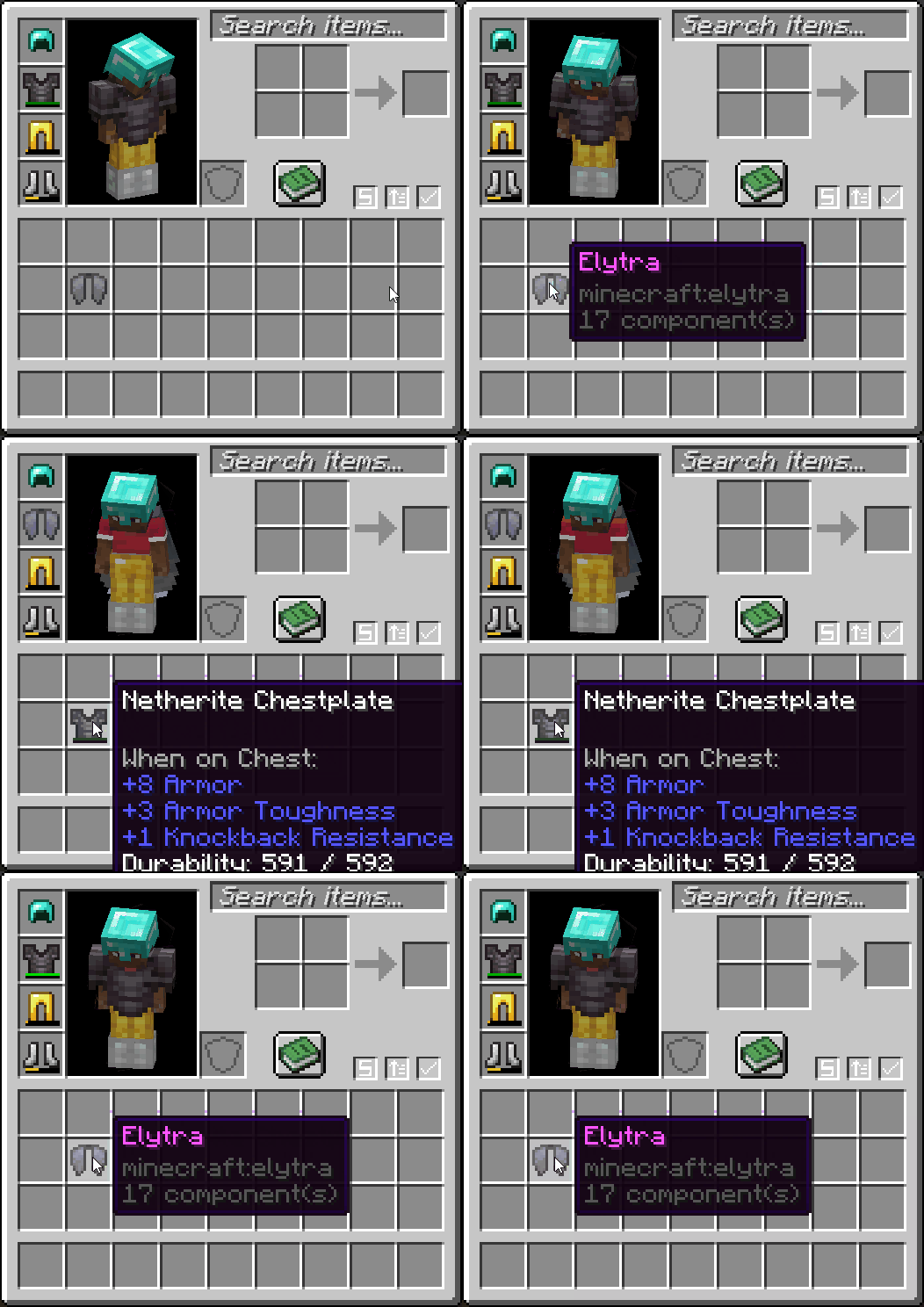
- Right-click an armor item to swap it out with whatever you're wearing
- Configurable in the mod's
Miscellaneoustab

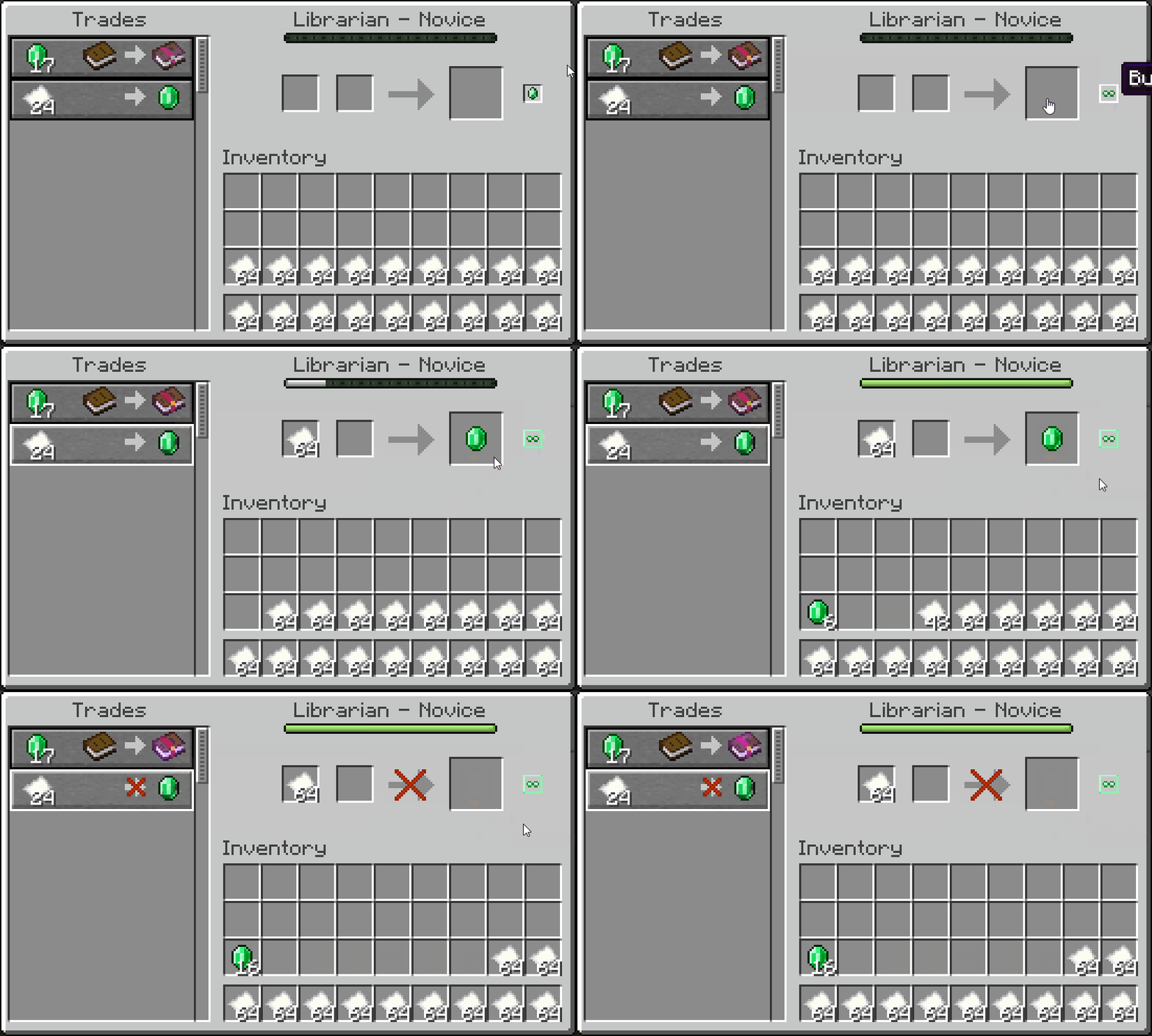
- Plays the "player hit" sound when hitting a mob from at least 15 blocks away
- Plays the "level up" sound when killing a mob
- Configurable in the mod's
Miscellaneoustab


- Plays a ding sound whenever your armor gets low
- Configurable in the mod's
Miscellaneoustab

- Plays an alarm when you fall far enough without an elytra equipped
- Configurable in the mod's
Miscellaneoustab
Other Features
Configurable Widget Themes
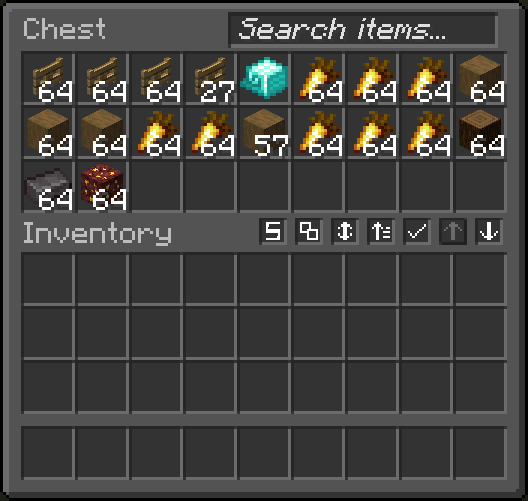
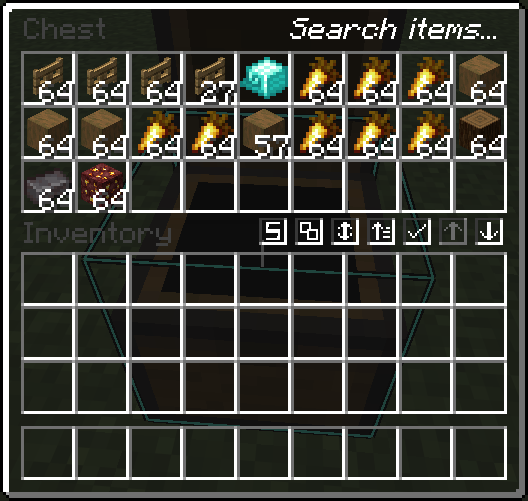
- Configure Quality of Queso widgets to use a vanilla theme, dark theme, or transparent theme
- Works really well with VanillaTweaks dark and transparent theme
- Configurable in the mod's
Accessibilitytab
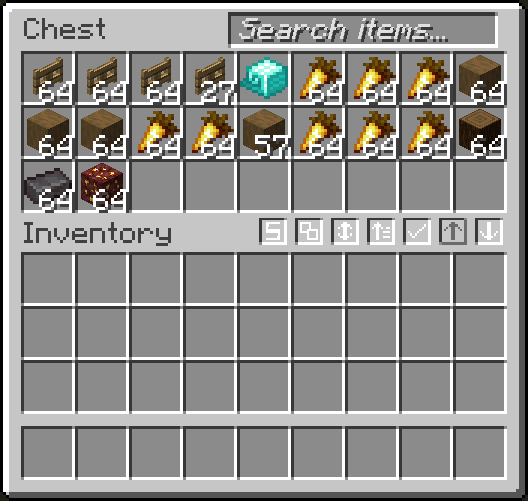
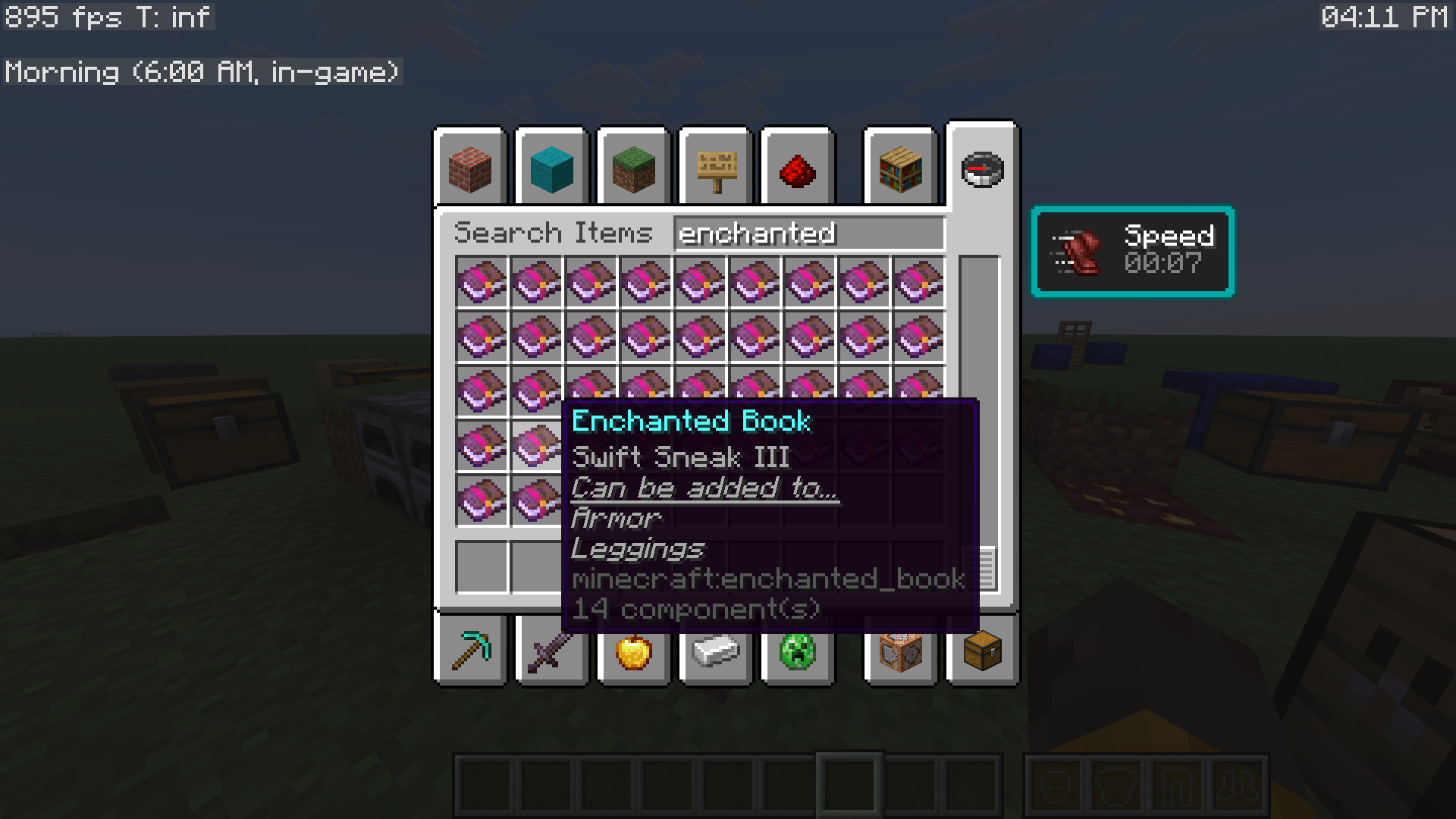
Enchantment Helper
- Displays what items enchanted books can be applied to
- Configurable in the mod's
Miscellaneoustab
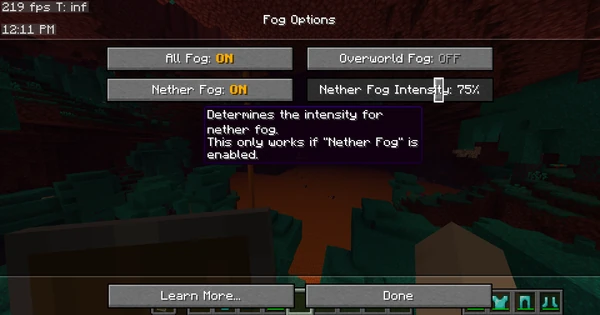
Remove Fog
- Remove Minecraft's annoying fog with the click of a button!
- Set nether fog intensity and overworld fog intensity
- Configurable in the mod's
Fogtab

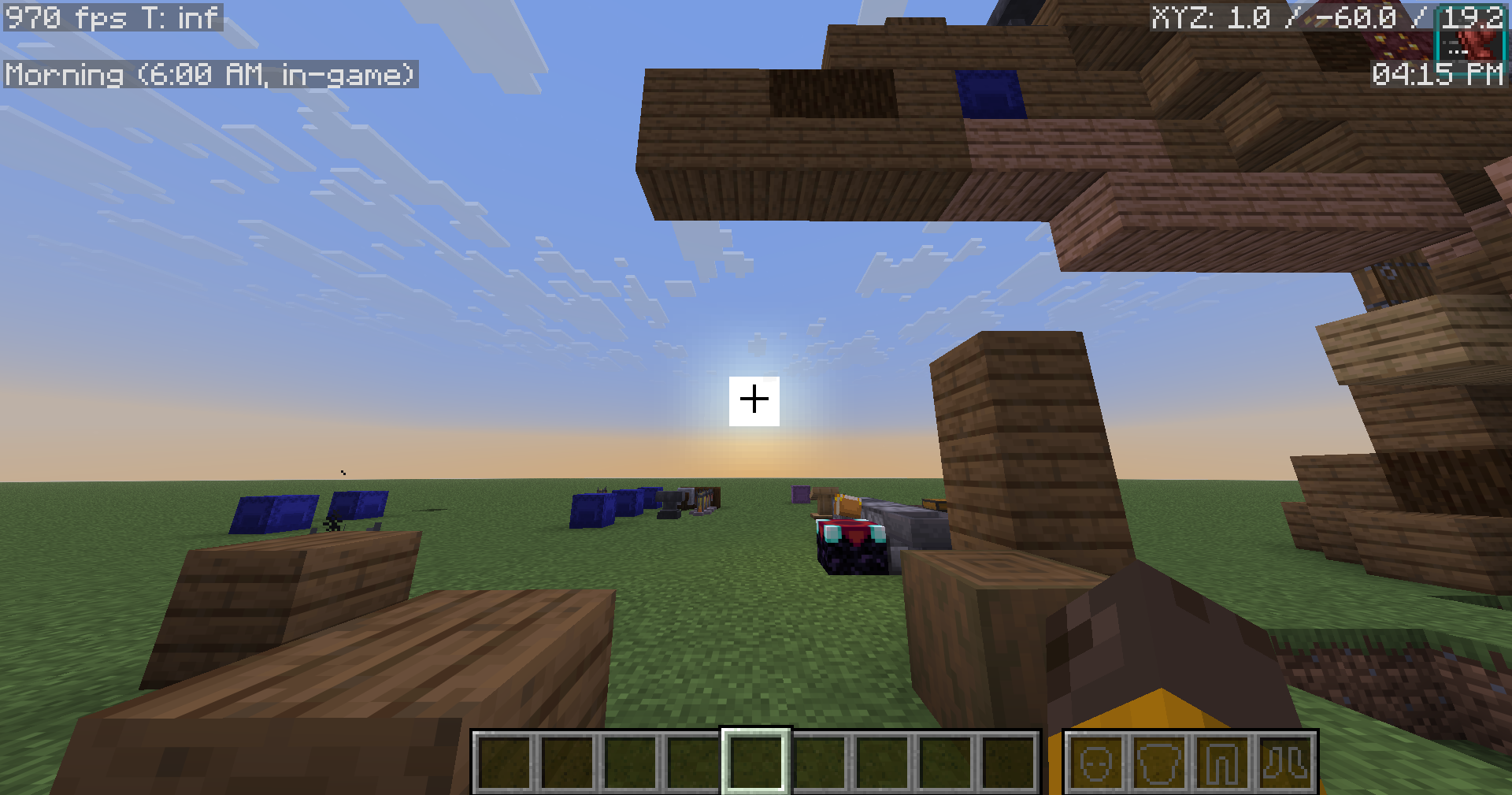
Show IRL Time
- Display your IRL time, in-game
- With the option to also display the in-game time, with descriptions of what time of day it is
- Comes with other helpful things to display, using Minecraft's debug entries
- Configurable via Minecraft's
debug entries screen
Quick Searching
- Type anywhere on your screen to auto-focus into a search bar
- Works with recipe book search bar, and this mod's search bar
- Configurable in the mod's
Searchingtab
Quick GUI Exit
- Click anywhere out-of-bounds of a GUI to close it
- Configurable in the mod's
Miscellaneoustab
Auto-Close Recipe Book
- Automatically close the annoying recipe book when closing your inventory
- Configurable in the mod's
Miscellaneoustab
No Recipe Book Shift
- Prevents the recipe book from shifting the inventory screen over
- Configurable in the mod's
Miscellaneoustab
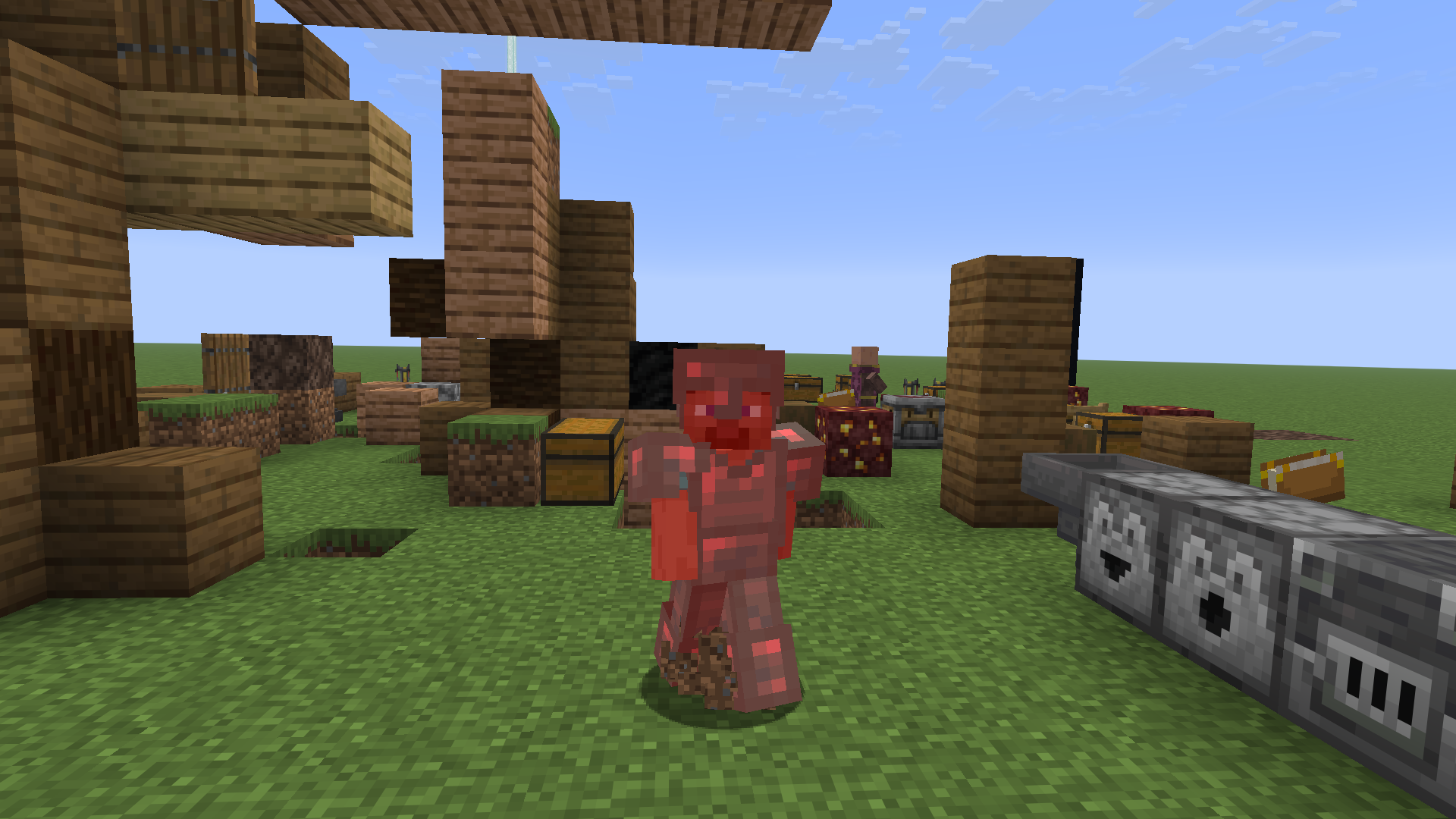
Red Armor Tint
- Brings back Minecraft's old red armor tint when the player takes damage
- Configurable in the mod's
Misctab
Visual Time
- Allows you to change the client-side time, as a visual effect
- Configurable from the
Main menutab

Anti-Rage Quit
- Prevents the player from quickly pressing the disconnect button!
- Configurable in the mod's
Misctab

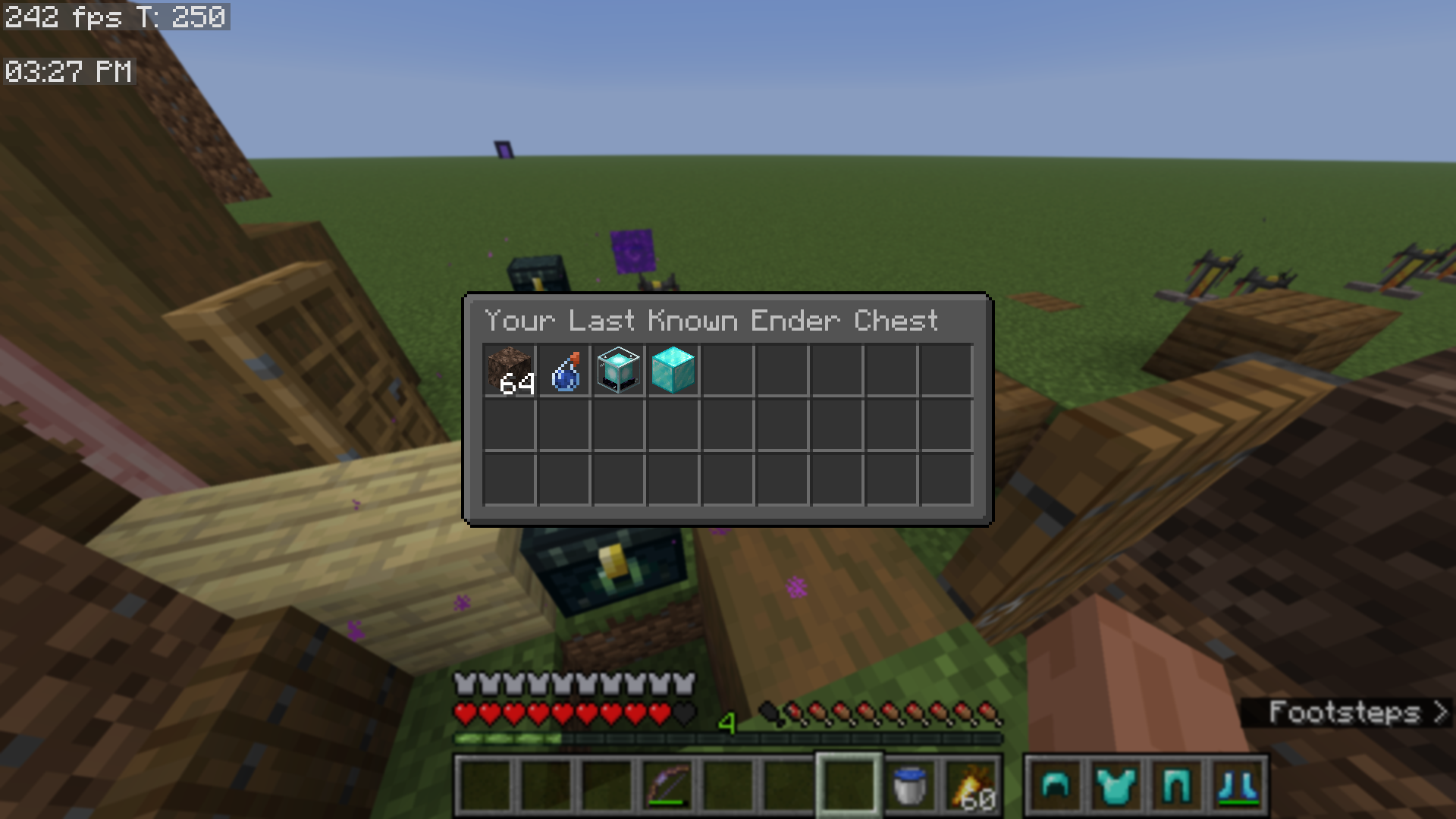
View Last Known Ender Chest
- Adds a button to the Quality of Queso main menu, which lets you view your last known ender chest
- Configurable via the mod's
Accessibilitytab
Open Screenshots Folder
- Adds a button to open your screenshots folder
- Found in the mod's
main menu
Open World Directory
- Adds a button to open your world directory folder for singleplayer worlds
- Found in the mod's
main menu
Multi-Server Configs and Blacklisted Servers
- Create separate Quality of Queso configurations for each server that you play on
- Additionally, you can block the mod from working on certain servers
- Configurable in the mod's
Accessibilitytab
This mod is mostly client-side. The only features that are server-dependent are:
- Item Frame Searching
- Locking Slots in shulker boxes (locking slots in any other container is 100% client-side and stored per world, per server)
- View more information about this here.
Please read through the Wiki to fully understand all features, or watch the videos above. ;)
FAQ
Quality of Queso isn't working with such and such mod(s)! → If you are getting a crash, join my Discord server and send your crash report in the #modding channel, so I can help.
- Please be aware that some mods don't work with Quality of Queso. Confirmed incompatible mods currently include:
Can you add such and such? → If and when I feel like it.
- If you have a feature request (or if you are asking for mod compatibility), your best option is to join my Discord server and post your suggestion in the
#suggestionschannel. - Please report any bugs you may find to the GitHub Repository.
Does this mod work with mods like sophisticated backpacks, iron chests, etc.? → Not right now.
- I plan to add support for mods like these in the future. But please, don't keep asking for it!
What version(s) of Minecraft does this mod support? → Quality of Queso is kept up-to-date on the latest version of Minecraft, and then (currently) 1.21.11, 1.21.1, and 1.20.1.
- Support for the latest Minecraft version always comes first. Then I backport to older versions.
- For version 1.21.1 and above, the mod works with Fabric and NeoForged.
- For version 1.20.1, the mod works with Fabric and Forge.
Can I contribute to your mod, by making textures, giving ideas, etc.? → Join my Discord server to suggest ideas, report bugs, and further contribute to my community.
- If and when the position is open, you can also apply to become a Trialist in my Discord server, which means you will get access to versions of the mod before they publicly release, so that you will be able to find bugs, test new features, and suggest further ideas.
- You can also create your own resource pack by using the template provided in the mod, which can be found here.
I don't like such and such feature. Can I disable it? → This mod is fully configurable, with the most intuitive configuration that I could create. Most features are toggleable and configurable.
- If you are having trouble configuring Quality of Queso, or don't know how to turn a certain setting off, join my Discord server so I can help.
- Also consider reading up on the mod's Wiki page, which documents just about everything you would need.
Older Version Support
Currently, Quality of Queso does support older versions of Minecraft, however, certain features are currently unsupported.
MC 1.21.11 (and below) Unsupported Features
MC 1.21.1 (and below) Unsupported Features
- Red Armor Tint
- Transparent Search Bar
- Overworld Fog Intensity
- Darker Overlay setting
- Fading Animations with the armor status
Keybind Modifiers
MC 1.20.1 (and below) Unsupported Features
- Colored Highlighting
- Warning Indicators
- Slot Highlighting on Armor Status (outline when armor piece gets updated)
Created and regularly maintained by: Dillon8775 and MannyQUESO.
All rights reserved unless explicitly stated.
Some ideas were inspired by other mods, which include:
- Inventory Management and Client Sort (fill stacks feature)
- Quark (armor status and item count)
All management sounds are not mine, they are Mojang's. These include:
- The bundle noises
- The old opening/closing of door sounds (for locking slots)